· Prakash Natarajan · AI · 13 min read
Ticket Escalation: How to Keep Context
Ticket escalation fails when context gets lost in the handoff. Here's how to build a process that keeps the full picture intact, from triggers to metrics.
Ticket escalation is the process of moving a support request to someone with more authority, expertise, or time to solve it, whether that’s a senior agent, a specialist team, or engineering. Most escalation processes fail for one reason: the ticket moves, but the context doesn’t. The customer repeats themselves, the new agent starts from zero, and a problem that should have taken minutes to resolve drags into hours. A good escalation process fixes this by defining exactly when to escalate, who owns the handoff, and what information has to travel with the ticket every time.
What Counts as a Ticket Escalation?
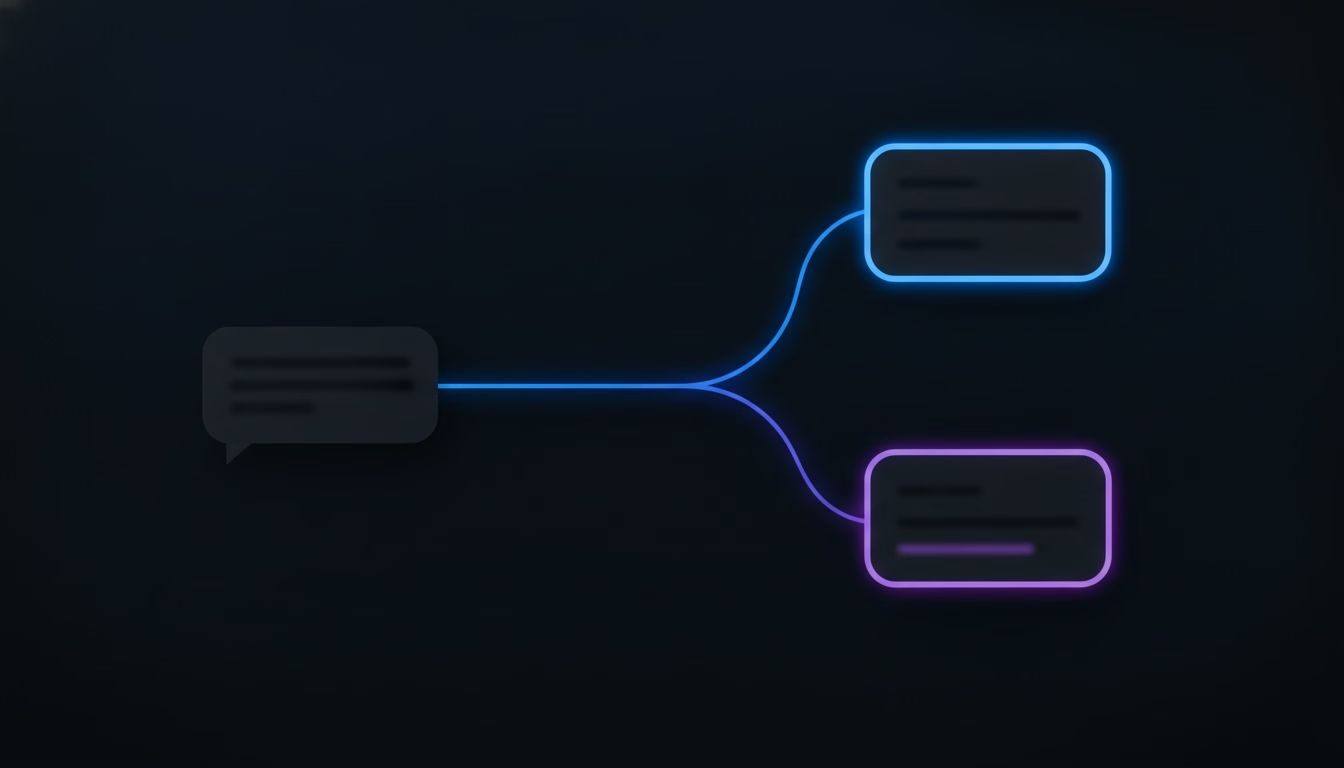
A ticket escalation happens any time a support request moves from the person or team who first received it to someone better equipped to close it out. That can mean moving up a tier, from a frontline agent to a senior specialist, or moving sideways, from support into engineering or billing. It can also be triggered by time rather than difficulty: a ticket that sits too long without a response gets escalated automatically, regardless of how hard the actual problem is.
Support teams usually recognize three flavors of this. Hierarchical escalation moves a ticket up in seniority, the classic path from a tier-1 agent to a tier-2 specialist to an engineering lead, and it’s the right call when the problem just needs more product knowledge than the first agent has. Functional escalation moves a ticket sideways into a different department entirely, like a billing dispute that a support agent can’t touch without finance involved, or a security concern that has to go to whoever owns account access controls. Time-based escalation is triggered by a service-level agreement clock rather than a person’s judgment call: if a ticket breaches its response or resolution window, it escalates whether anyone flagged it or not, which is what keeps a quiet, low-priority-looking ticket from sitting untouched for three days because nobody happened to notice it.
These three aren’t mutually exclusive, and the best processes combine them rather than picking one. A ticket can start on a time-based clock, get escalated hierarchically when it breaches that clock, and then get escalated functionally a second time if the senior agent discovers the real issue sits outside support’s control entirely. Treating escalation as a single event, “this ticket got escalated,” hides that a ticket can move more than once and for different reasons each time, which is exactly the kind of detail that repeat escalation rate is designed to catch.
Escalation matters because the cost of a bad handoff compounds. A ticket that stalls for an extra hour because the receiving agent has to re-ask questions the customer already answered doesn’t just cost that hour. It costs the customer’s patience, it costs the agent time they could have spent on a ticket they could actually solve, and it makes the next escalation harder to trust, since agents start second-guessing whether a handoff will actually save time or just add a round trip. Teams that treat escalation as a formality, something you do once a ticket “feels too hard,” end up with slower resolution times across the board, not just on the tickets that got escalated.
When Should You Escalate a Support Ticket?

You should escalate the moment a ticket needs authority, expertise, or resources the current owner doesn’t have, not after they’ve already spent twenty minutes trying anyway. Waiting to escalate is the single most common way teams waste their own SLA clock.
A few situations call for escalation almost every time. The issue involves account-level changes a frontline agent can’t authorize, like a refund above a set threshold or a contract amendment. The problem is technically complex enough that solving it requires access to logs, code, or systems the agent doesn’t have. The same issue is showing up across multiple customers at once, which usually means it belongs with engineering, not with one agent working it in isolation. The customer is visibly frustrated or represents outsized account value, where the cost of getting it wrong outweighs the time saved by one more troubleshooting attempt. None of these require a manager’s permission to trigger. The best-run teams write these triggers into their process so agents don’t have to guess.
Picture a fairly ordinary case: a customer reports that a bulk import silently dropped a few hundred records. A frontline agent can confirm the symptom and check whether the import completed, but they can’t query the database to see which records dropped or why. That isn’t a training gap so much as a permissions and tooling gap, and no amount of troubleshooting patience closes it. The moment the agent confirms the symptom is real and the fix requires backend access, the ticket should escalate, not after another round of “have you tried re-uploading the file.”
How Should Escalation Differ Between Support and Engineering?

Escalating to another support tier moves a ticket to someone with more product knowledge, while escalating to engineering moves it to someone who can change the product itself, and conflating the two is where a lot of processes break down. A senior support agent can usually solve a ticket faster because they’ve seen the pattern before. Engineering solves a different category of problem: something that requires reading logs, checking a deploy history, or shipping a fix, none of which a support tier, however senior, can do from within a help desk tool.
This distinction matters for what you escalate and how you word it. A ticket headed to another support tier needs the conversation history and what’s already been tried, covered above. A ticket headed to engineering needs something more specific: exact error messages, timestamps, affected account IDs, and ideally a reproduction path, because an engineer debugging blind from a vague description burns far more time than one working from a precise report. Teams that route both kinds of escalation through the same generic “escalate” button, with the same handoff notes either way, end up with engineering tickets that bounce back asking for the details that should have been there from the start. Splitting the escalation path by destination, not just by urgency, fixes this without adding much process overhead.
What Information Has to Travel With an Escalated Ticket?
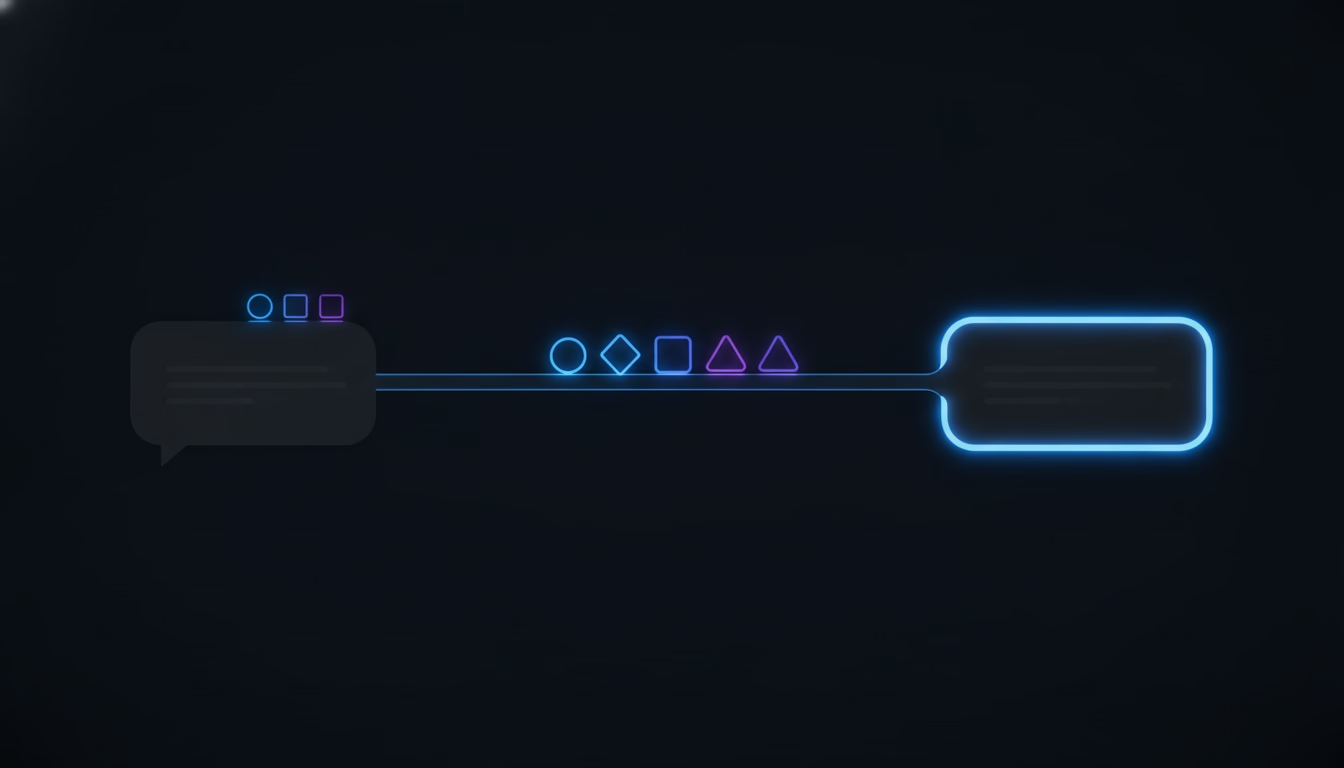
Every escalated ticket needs four things attached before it moves, or the receiving agent starts from nothing: the full conversation history, what’s already been tried, the customer’s account context, and a read on urgency. Miss any one of these and you’ve just relocated the problem instead of solving it.
The conversation history means the actual exchange, not a one-line summary written under time pressure. The receiving agent needs to see what the customer already said, in their own words, including the parts that seem repetitive. What’s already been tried matters just as much: a list of the specific steps taken and their exact outcomes, so the next person doesn’t ask the customer to redo a reset they already did twice. Account context covers plan tier, billing status, and prior tickets, the kind of detail that changes how a case should be handled but that a customer should never have to repeat. Urgency covers both the SLA clock and a plain-language note on customer sentiment, since a ticket at hour eleven of a twelve-hour SLA needs different handling than one that just started.
Seeing those four things in one real handoff makes the point clearer than a definition does. Take the bulk-import case from earlier: a well-formed handoff note might read, “Customer reports 200+ records missing after a bulk import at 2:14pm PT. Import log shows no failure. Already tried: re-ran the log check, confirmed no error banner. Customer is on the Growth plan, this is their second import issue this month. SLA breaches in 90 minutes.” That single paragraph covers what happened, what’s already been tried, who the customer is, and how much time is left, in that order, every time. A template that forces those four fields beats a free-text notes box that every agent fills in differently, because the receiving agent knows exactly where to look instead of hunting through a wall of shorthand.
Teams whose support already runs through shared Slack Connect channels have an advantage here that’s easy to miss. The full back-and-forth already lives in the thread, in the customer’s own words, instead of depending on a rushed handoff note written under time pressure. A tool that turns that thread into a queue with an owner and a status, rather than trying to summarize it, keeps that record intact automatically when a ticket needs to move.
Two things get lumped together under “AI support” that behave nothing alike, and it’s worth being precise about which one actually helps escalation. A chatbot that deflects tickets with a canned answer and closes the conversation isn’t doing escalation any favors. It just delays the handoff and adds a frustrating extra step before the customer reaches a human who can actually help. A tool built to preserve full context and hand it to the right owner is a different thing entirely, and it doesn’t need to resolve anything on its own to do that job well. The difference isn’t the word “AI.” It’s whether the system is built to shrink the number of times a customer has to repeat themselves, or just to look automated while adding a step.
How Do You Know Your Escalation Process Is Working?
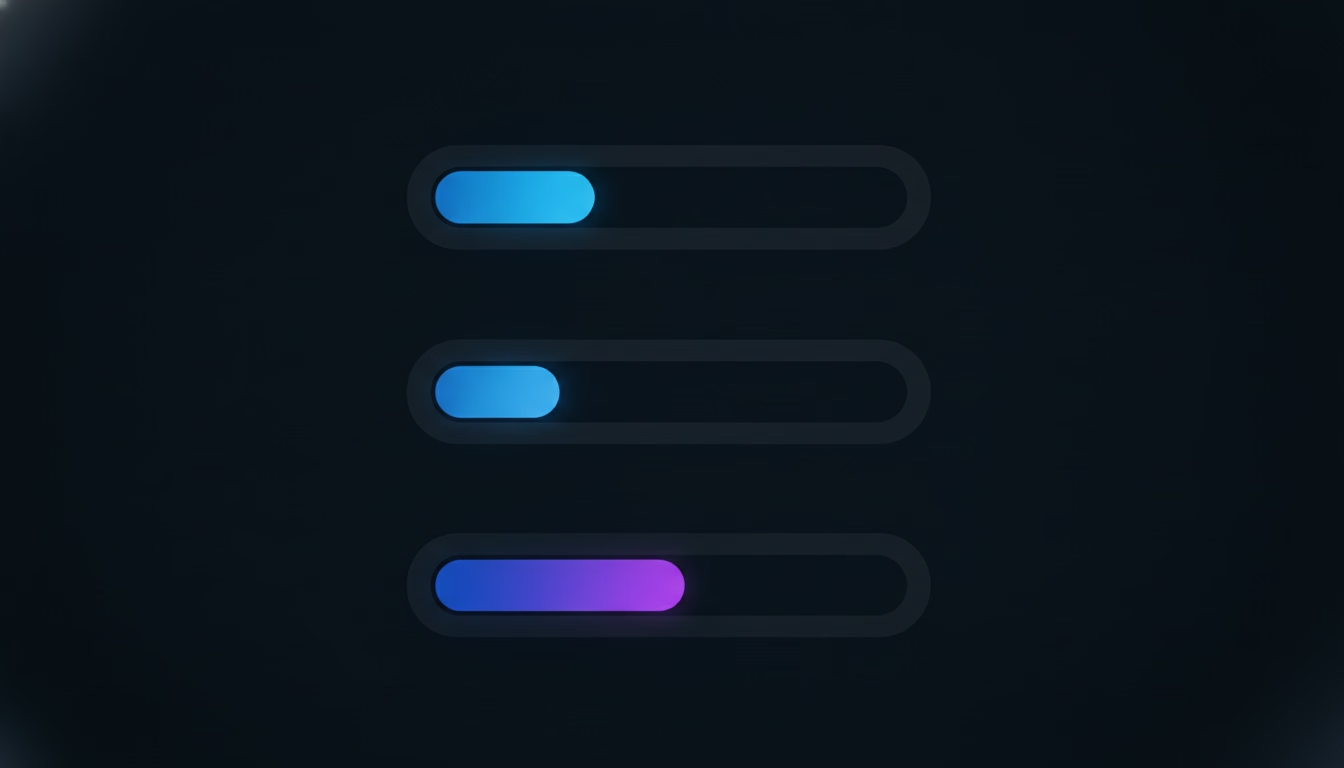
You know your escalation process works when tickets that get bounced back to their original owner, or bounced between departments, stay rare, because both of those are direct evidence that context or judgment failed somewhere in the handoff. Two metrics catch this early, starting with bounceback rate, which tracks how often an escalated ticket gets sent back to where it came from because it wasn’t actually ready to move; as a rule of thumb, once that rate climbs past 20%, it’s worth reevaluating who’s making the escalation call. Priority mistranslation rate tracks how often a ticket’s urgency gets misread during the handoff, either overstated or understated; a well-run process keeps this at 5% or less, since anything higher points to a breakdown in how urgency gets communicated between systems or people.
Two more numbers round out the picture without requiring extra tooling most teams don’t already have. Time to escalate measures the gap between when a ticket first needed to move and when it actually did, which exposes the agents or workflows that hesitate. Repeat escalation rate measures how often the same ticket escalates more than once, which almost always means the first handoff was incomplete rather than the underlying problem being unusually hard. Track these four together and you’ll see exactly where the process leaks, instead of just feeling that escalations “take too long” without knowing why.
You don’t need a dedicated analytics platform to start tracking any of this. Most help desk tools already log when a ticket changes owner or team, which is enough to calculate time to escalate and repeat escalation rate from raw ticket history. Bounceback rate just requires tagging when a receiving agent sends a ticket back rather than working it, something worth adding as a one-click reason code if your tool doesn’t already track it. Priority mistranslation is the hardest of the four to measure automatically, since it depends on comparing the urgency a ticket was escalated with against the urgency it actually turned out to have, so most teams start by spot-checking a sample of escalated tickets each week rather than trying to automate it on day one. Start with bounceback rate and repeat escalation rate. They’re the two that most directly reflect whether context is actually making it across the handoff, and they’re the two simplest to pull from data you already have.
Building an Escalation Process That Doesn’t Lose the Thread
The teams that get this right treat escalation as a data handoff first and a people handoff second. They write down the exact triggers instead of leaving it to individual judgment, they define what context has to travel with every ticket before it moves using a template like the one above, and they track bounceback and repeat escalation rates the same way they’d track any other operational metric. None of that requires new headcount, just deciding, once, what “ready to escalate” actually means for your team and building that definition into whatever tool routes your tickets.
Start with the one escalation path that causes the most bounceback today, usually support-to-engineering, and measure bounceback rate on just that path for a month. If it drops, the same fix works on the rest of your escalation paths too, and you’ll have real numbers to justify rolling it out further.
SupportUnicorn is built around that same idea: when a client conversation in a shared Slack Connect channel needs to move to a new owner, the full thread, who has already replied, and what has already been tried travel with it automatically, instead of depending on someone writing a handoff note under time pressure. It’s $49 a month per connected Slack workspace, flat, with no free tier and no per-seat fee.
Frequently Asked Questions

What is the difference between ticket escalation and ticket routing?
Routing is how a ticket first gets assigned, usually based on topic or team. Escalation is what happens after that first assignment turns out to be wrong for the problem, moving the ticket somewhere with more authority or expertise than the original owner had.
How many levels of ticket escalation should a team have?
Most teams do fine with three or four: frontline support, a senior or specialist tier, engineering or another functional team for issues outside support’s control, and a final tier for account-level or executive decisions. Adding more tiers than that usually slows tickets down without actually improving outcomes, since every extra tier is one more handoff where context can get lost, and a five- or six-tier structure often means a ticket touches more people than the problem actually required.
What causes context loss during ticket escalation?
Context loss almost always comes from handoff notes written under time pressure, where the outgoing agent summarizes instead of transferring the real conversation and the specific steps already tried. It also happens when systems don’t carry structured data, like account tier or prior resolution attempts, automatically between tools.
Should ticket escalation be manual or automatic?
Time-based and SLA-breach escalations should be automatic, since waiting on a person to notice a clock running out defeats the purpose. Escalations based on technical complexity or account judgment still benefit from a human decision, but the trigger conditions for that decision should be written down rather than left to instinct.
What is a good ticket escalation bounceback rate?
Single digits is the healthy range, and once a team’s bounceback rate reaches 20% or higher, it’s a sign that tickets are escalating before they’re actually ready, usually because the required context or triage isn’t being completed before the handoff.
Does AI help or hurt ticket escalation?
It depends entirely on what the tool is built to do. A chatbot that deflects with a canned answer and closes the conversation hurts escalation, since it just delays the moment a human sees the message. A tool built to preserve full context, meaning the actual conversation and what’s already been tried, and hand it to the right owner, helps escalation without needing to resolve anything automatically. SupportUnicorn takes the second approach on purpose: it doesn’t try to auto-answer customer messages, it just makes sure nothing gets lost on the way to a real person.
Prakash Natarajan is the founder of SupportUnicorn, a Slack Connect triage tool for customer support teams.