· Prakash Natarajan · AI · 14 min read
Threads in Slack for Customer Support
Threads in Slack work differently in a shared client channel than an internal one. Here's how to use them when the customer sets half the rules.
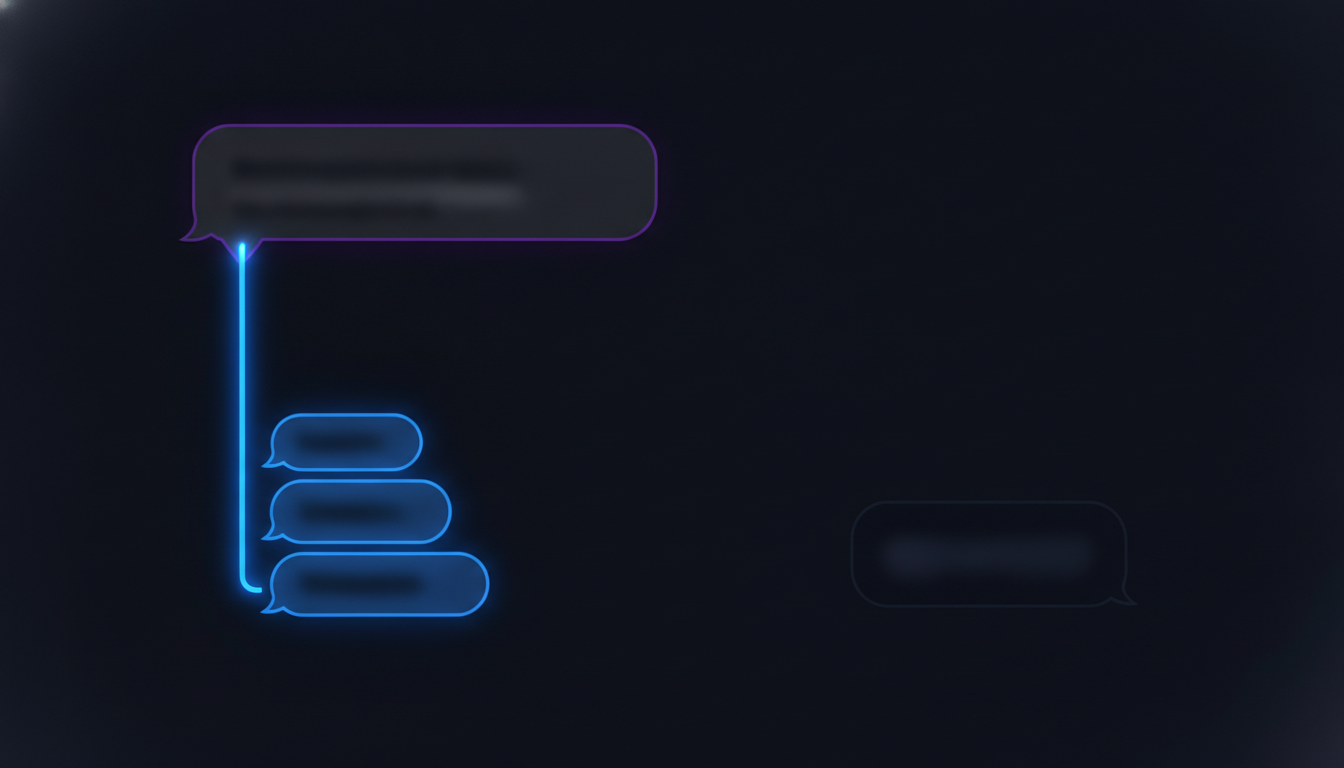
Threads in Slack are the reply feature that nests a response under the specific message it answers, instead of posting it as a new line in the channel, and they exist to keep one conversation from scattering across a feed full of others. Inside your own team’s workspace, that’s a habit you can enforce by asking people nicely. In a shared Slack Connect channel with a customer, it’s a different problem entirely, because the other person replying in that thread has never read a Slack etiquette guide and isn’t going to change their habits because you asked. This piece covers threading the way it actually plays out in a client channel: how it’s supposed to work, what happens the moment a customer doesn’t cooperate, who’s responsible for the channel staying organized, and how you find an old conversation once it wasn’t.
What Are Threads in Slack, and Why Do They Matter in a Customer Channel?
A thread in Slack is a reply attached directly to the message it responds to, visible as an indented sub-conversation instead of a fresh line lost in the main feed. Slack’s own reasoning for the feature is straightforward: a channel with several conversations happening at once turns unreadable fast if every reply just gets stacked on top of the last one, and threading keeps each topic contained under its own starting message so nobody has to piece together which reply belongs to which question. That reasoning holds inside an internal team channel, where everyone already knows the convention and mostly follows it out of habit.
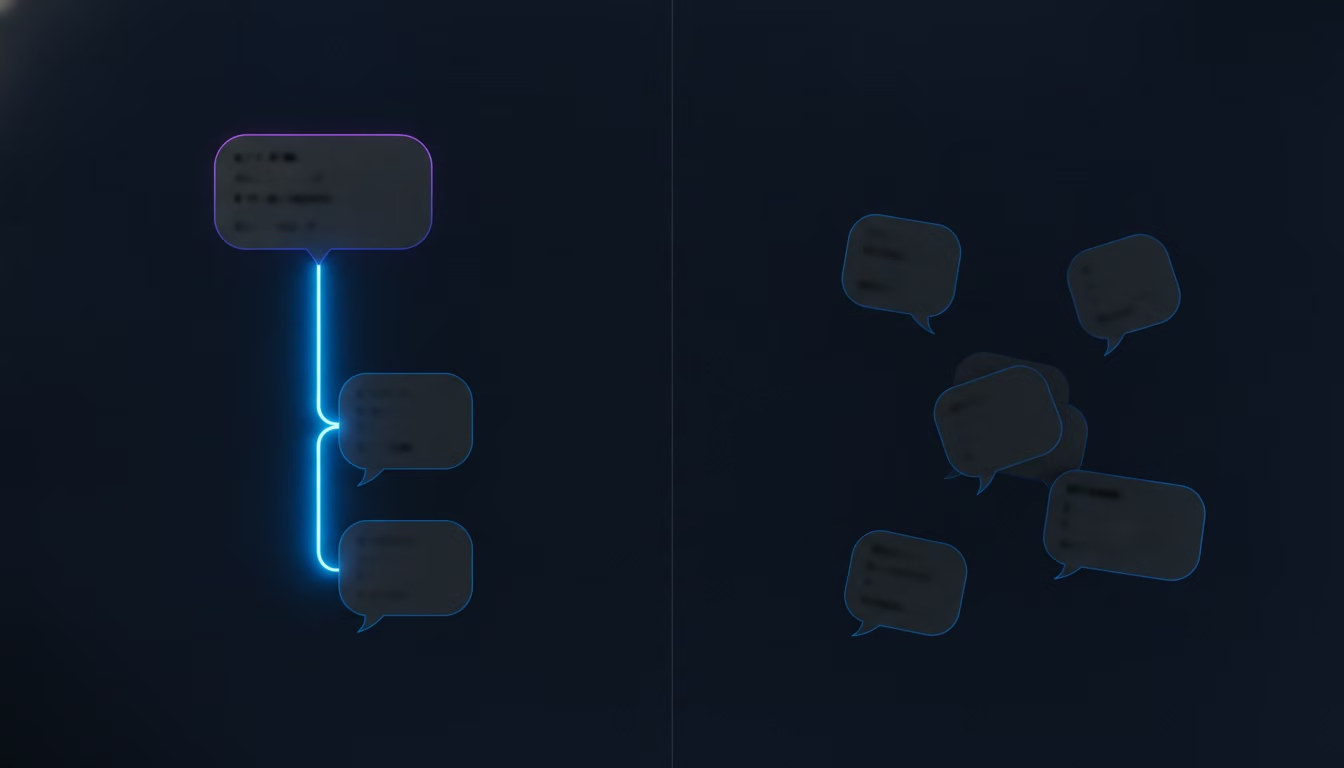
To start one yourself: hover over any message, click the reply-in-thread icon that appears (a small speech bubble to the right of the message, or the message’s timestamp on mobile), and type your reply in the panel that opens on the side. Anything sent from that panel nests under the original message instead of posting as a new line in the channel.
A shared Slack Connect channel with a customer breaks that assumption at the root. The customer on the other side didn’t join a workspace where threading is the house style, they joined because your team offered a faster way to reach support than a ticketing portal, and nothing about that invitation taught them how threads work. Some customers thread their replies without being told, because their own company uses Slack the same way. Others reply with a fresh message every time, buried in the same channel as three other unrelated questions from the same week, and your team ends up hunting through the timeline to figure out which message goes with which. The mechanic is identical either way. What changes is who’s in control of whether it gets used.
Slack does give you one tool that helps regardless of what the customer does on their end: a dedicated Threads view, reachable from Home, that lists every thread you’re a part of across every channel in one place. It’s worth turning to when you’re picking up where you left off after being away from a channel for a while, since it surfaces the threads that actually moved without making you reopen each client channel individually to check. It doesn’t fix a channel that’s gone unthreaded, but it does make the threaded parts of your day faster to catch up on.
How Should You Use Threads in a Client Slack Connect Channel?
The working rule for a support team is simple: reply in the thread unless the update genuinely needs the whole channel’s attention, and reserve a fresh message for a new question rather than continuing an old one under a different heading. Slack gives you a second option when you reply in a thread, a checkbox that also posts the reply to the main channel, and it’s tempting to tick it by default so nothing gets missed. Resist that instinct, because a reply broadcast to the channel every time defeats the reason threads exist in the first place, and the main feed fills back up with the same clutter threading was supposed to prevent.
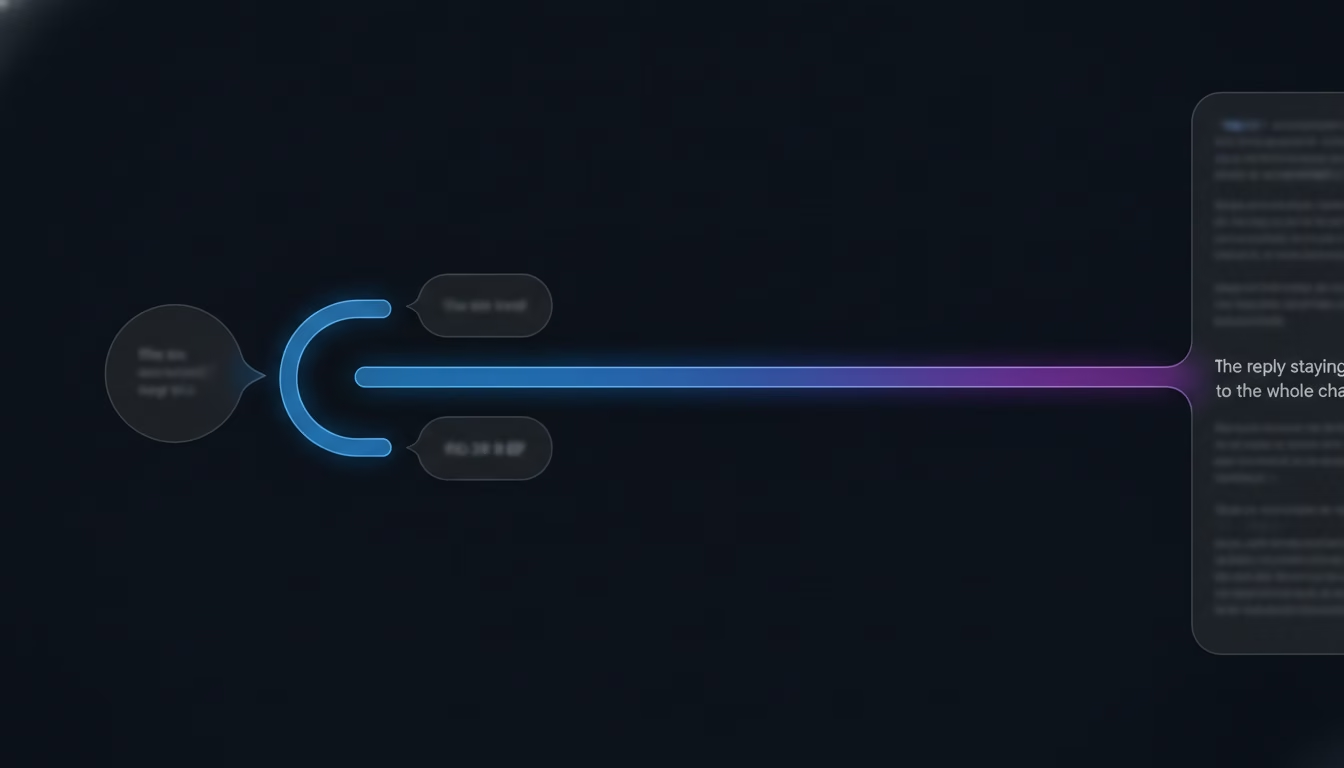
Save the broadcast option for the handful of moments it actually earns: a resolution that a second person in the channel is waiting on, or a status update relevant to more than the one person who asked the original question. Everything else stays contained in its thread. The same discipline applies to starting new threads unnecessarily. If a customer follows up on something from two days ago inside the same conversation, that follow-up belongs as a reply in the original thread, not a brand new message that forces your team to go find the earlier context again. Our piece on keeping context intact during a support escalation covers the same principle from the other direction, what happens to that context once a conversation needs to move to a different person entirely.
What Happens When a Customer Doesn’t Reply in the Thread?
The realistic failure mode isn’t your team forgetting to thread a reply, it’s the customer posting a fresh message instead of continuing the thread you already started, and there’s no setting that fixes this because you don’t control their Slack habits. A customer replies to your question three hours later, not by clicking reply on your message but by typing a new line at the bottom of the channel, and now that answer sits disconnected from the question it belongs to. Anyone glancing at the channel sees an unattached message with no visible context, and has to scroll back through everything else that happened in between to reconnect the two.

The honest fix isn’t a stern message asking the customer to please use threads, since a request like that reads as a demand on someone who’s doing you a favor by being reachable at all. The more workable version is a short, one-time note early in the relationship, something like mentioning that clicking reply keeps things easy to follow, framed as a tip rather than a rule. Past that, treat a stray reply as something your team catches and reconnects, not something the customer is expected to prevent. When a message shows up detached from its context, the first move is checking the timestamp against what else was discussed around it, and pulling the thread back together in your own head before you answer, rather than replying to the stray message as if it started a new topic on its own.
Who’s Responsible for Keeping a Shared Channel Threaded?
Whoever owns the conversation in that channel is responsible for keeping it threaded, and the reason that answer matters is because “the team” isn’t a real owner once more than one person is watching the same client channel. A channel with two support reps both able to reply creates a specific risk: one person answers a question with a fresh message instead of checking whether someone else already opened a thread on it, and now the same customer question has two disconnected answers sitting in different places. That’s not a threading failure so much as an ownership failure that happens to show up as a threading problem.
The fix is the same one that applies to every part of a Slack-based support motion once more than one person shares a channel: assign a clear owner to each open conversation before more than one person replies to it. Whoever picks up a message first threads their reply and stays the point of contact until it’s resolved, and everyone else in the channel checks for an existing thread before adding a new one. SupportUnicorn exists specifically for this part of the problem, every incoming message in a connected Slack workspace lands in one queue where you assign an owner, so a second teammate glancing at the channel can see at a glance who already has it instead of guessing and replying anyway. Our piece on building an escalation matrix for Slack-based support goes further into what happens once a conversation needs to move from that first owner to someone else.
How Do You Find an Old Conversation in an Unthreaded Channel?
You find an old, unthreaded conversation the same way you’d search any pile of loose messages, by scrolling and skimming timestamps, unless the channel is small enough that Slack’s built-in search reliably surfaces the right result on the first try. Slack’s search works fine for a specific word or phrase you remember from the original message, but a customer channel that’s been running for months, mixing threaded and unthreaded messages, doesn’t give search much to work with when what you actually remember is roughly when something happened and roughly what it was about, not the exact words used.

That gap is the specific cost of letting a channel go unthreaded for long enough, and it compounds. A channel with clean threads groups related messages together automatically, so finding a past conversation means finding the one thread it lives in, not scanning a flat, undifferentiated feed for a needle you can only half describe. A channel where half the replies never joined a thread turns the same search into real work, often work that falls on whoever happens to remember the conversation existed, rather than something any teammate can do in a minute. A new hire covering a channel for the first time has it worse still, since they weren’t there when the original conversation happened and have no memory of it to search from at all, only a timeline of messages that give no hint which ones belong together. This is also where a queue layered on top of Slack earns its keep past a handful of channels: once you’re watching more than five or six of them, memory alone stops being a reliable index, and having every conversation’s status and ownership visible in one place matters more than any single search. SupportUnicorn keeps that queue current automatically, so a new hire or a teammate covering someone else’s channel for a day sees which conversations are still open and who’s been handling them, instead of relying on Slack’s search to reconstruct a history they were never part of.
Should You Turn On Notifications for Every Thread in a Client Channel?
No, and treating every thread notification the same way is exactly what buries the ones that matter. Slack lets you toggle notifications per thread and per channel independently, and the default behavior, notifying you on threads you started or were mentioned in, works fine for internal use but doesn’t map cleanly onto support, where you want to know about every new customer message in a channel you own, not just the ones that happen to mention your name.

The workable setting is to turn on full notifications for the client channels you’re actually responsible for, and leave the defaults alone everywhere else, including internal channels that don’t need the same urgency. A team running a dozen active client channels will bury a customer message the moment Slack’s defaults are left untouched, since the app has no way to know which conversations are business-critical and which are casual. Being deliberate about this one setting, per channel, is a small amount of setup that prevents a customer message sitting unseen for hours in a channel nobody was watching closely.
Make Threading Something the Whole Channel Follows, Not Just Your Team
Threading works the way Slack intended it inside a workspace your team fully controls, and it works differently, less predictably, in a shared channel where the customer sets half the rules without knowing they’re setting any. If you’re weighing Slack against email or a ticketing queue for how well threading holds up in the first place, our broader look at message threading across support tools covers that comparison directly. The fixes that actually hold up aren’t about enforcing a stricter convention on people who didn’t agree to one, they’re about building a process on your side that survives a customer who doesn’t thread, doesn’t remember an old conversation existed, and doesn’t care which setting you’d prefer they use.
SupportUnicorn adds that layer directly on top of Slack Connect for 49 dollars a month per connected workspace, a flat rate with no per-seat fee and no free tier to grow into later. Every incoming message lands in one queue with an owner attached, so a stray reply or a customer who skipped the thread doesn’t turn into two people answering the same question or a conversation nobody claims. It doesn’t change how Slack’s own threading works, and it doesn’t fix a customer’s habits for them. What it fixes is the part underneath that, knowing who owns each conversation and being able to find it again once the thread itself gets messy. If that’s the actual gap in your process, connect your Slack workspace and see the queue for yourself instead of asking your customers to change how they use Slack.
Frequently Asked Questions
How do you start a thread in Slack?
You start a thread by hovering over a message and selecting the reply-in-thread option, or tapping and holding the message on mobile, which opens a reply panel attached to that specific message rather than posting a new line in the channel. Any reply typed and sent from that panel nests under the original message automatically.
What’s the difference between replying in a thread and broadcasting to the channel?
Replying in a thread keeps your response visible only to people who open that specific thread, while checking the “also send to channel” option posts the same reply to the main feed as well, visible to everyone scrolling the channel. Use the broadcast option only when the update is relevant to more than the person who asked, since using it by default just refills the channel with the clutter threading exists to prevent.
Why does a customer’s reply sometimes not show up in the thread?
A customer’s reply lands outside the thread when they type a new message instead of clicking reply on the original one, which happens often because most customers have no reason to know Slack’s threading convention exists. There’s no setting on your side that forces a reply into a thread; the fix is catching a stray reply, matching it to the conversation it belongs to, and treating that reconnection as a normal part of the process rather than a rare mistake.
Can you turn off notifications for Slack threads you’re not part of?
Yes, Slack lets you control notifications per thread as well as per channel, and the default only alerts you on threads you started, replied to, or were directly mentioned in. For a client channel you own, it’s worth turning on full notifications specifically for that channel rather than relying on the default, since the default is built for internal use and will quietly skip customer messages that never happened to mention your name.
Can you turn off thread notifications in Slack entirely?
Yes. Slack’s notification preferences have a dedicated toggle for threads separate from channels and direct messages, so you can turn off alerts for every thread you’re not actively part of without touching your other notification settings. For a client channel, leave that toggle on; muting threads globally is more useful on internal workspaces where the volume of unrelated threads is what’s causing the noise, not a channel you’re paid to watch.
Does threading fix the problem of losing context in a customer conversation?
Only partly, because threading keeps a single conversation grouped together instead of scattered across the feed, which helps you follow one exchange, but it doesn’t solve what happens once that conversation needs to move to a different person or gets picked up again weeks later. That handoff problem is covered separately in keeping context intact during a support escalation, since threading and ownership are related but not the same fix.
How many client channels can one person keep threaded and organized without extra tooling?
Most support leads can keep a handful of client channels, somewhere around five to eight, organized from memory and Slack’s own search alone. Past that range, remembering which threads are open, who owns each one, and where an old conversation lives stops being realistic without something surfacing that information in one place, which is the specific gap our piece on scaling a Slack-based support motion covers in more detail.