· Prakash Natarajan · AI · 14 min read
Message Threading for Slack Support Teams
Message threading works great until a customer stops following it. Here's how threading actually breaks in a shared Slack channel, and what to do instead.
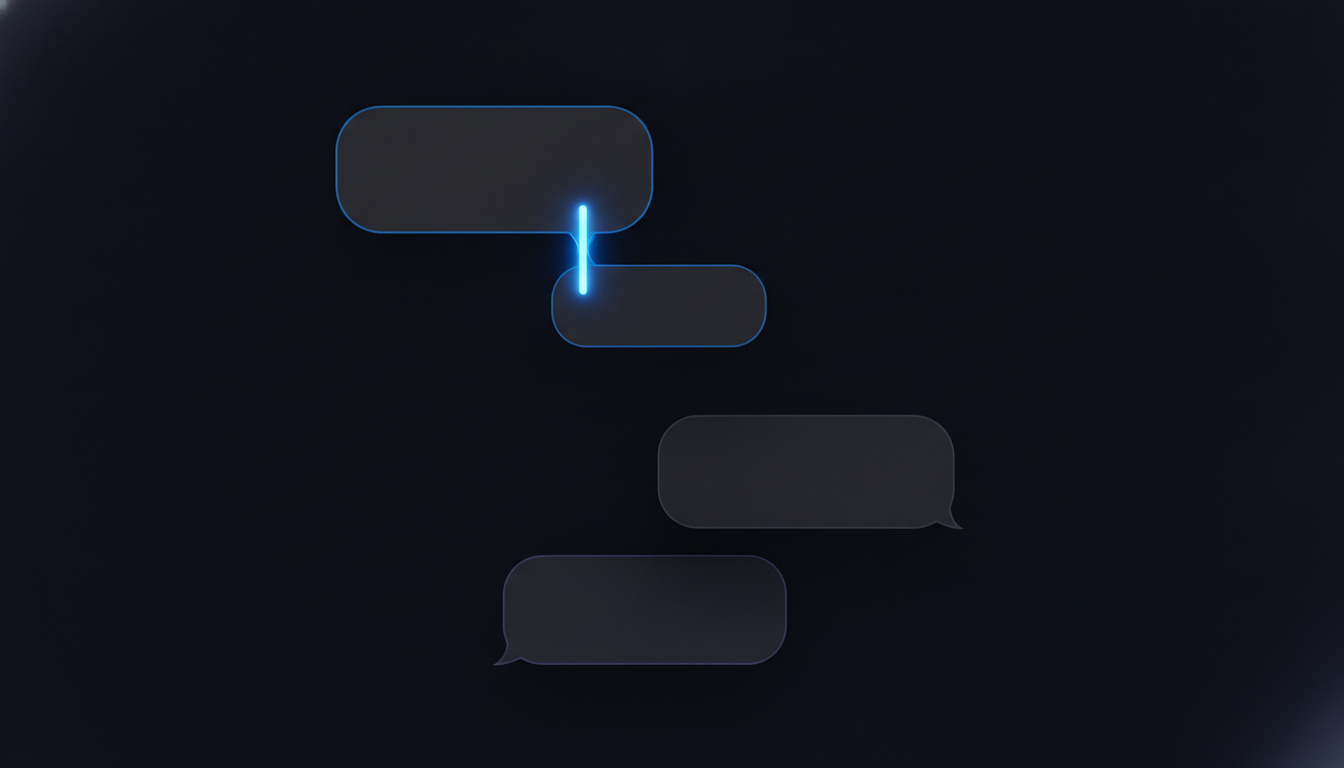
Message threading is the feature that nests a reply under the specific message it answers, instead of dropping it as a new line in a busy feed, and nearly every tool a support team touches has some version of it, Slack, email, a help desk queue. Most guides to the concept stop at explaining the mechanic itself, which is a fairly short explanation once you’ve seen it once. What they skip is the assumption baked into every one of those explanations, that both sides of a conversation know the tool and want to use it the same way. That assumption holds fine inside your own team’s workspace, where everyone learned the same conventions the same week, then falls apart the moment a customer joins a shared Slack Connect channel and treats every message like its own new topic because nobody ever told them otherwise. This piece covers how threading actually works across the tools a support team uses, where it genuinely helps, and what to do once the person on the other end stops following the pattern your whole workflow assumed they would.
What Is Message Threading, and How Is It Different From a Regular Channel Feed?
Message threading groups a reply with the original message it responds to, so the conversation stays visually attached to its context instead of scattering across a channel in the order messages happened to land. In a flat, unthreaded feed, five different customer questions and their five separate answers all sit in one long scroll, interleaved with whatever else the channel discusses that day, and figuring out which reply belongs to which question means reading timestamps and guessing. A thread solves that by collapsing the whole exchange, question and every reply, into one expandable unit that lives under the original message.
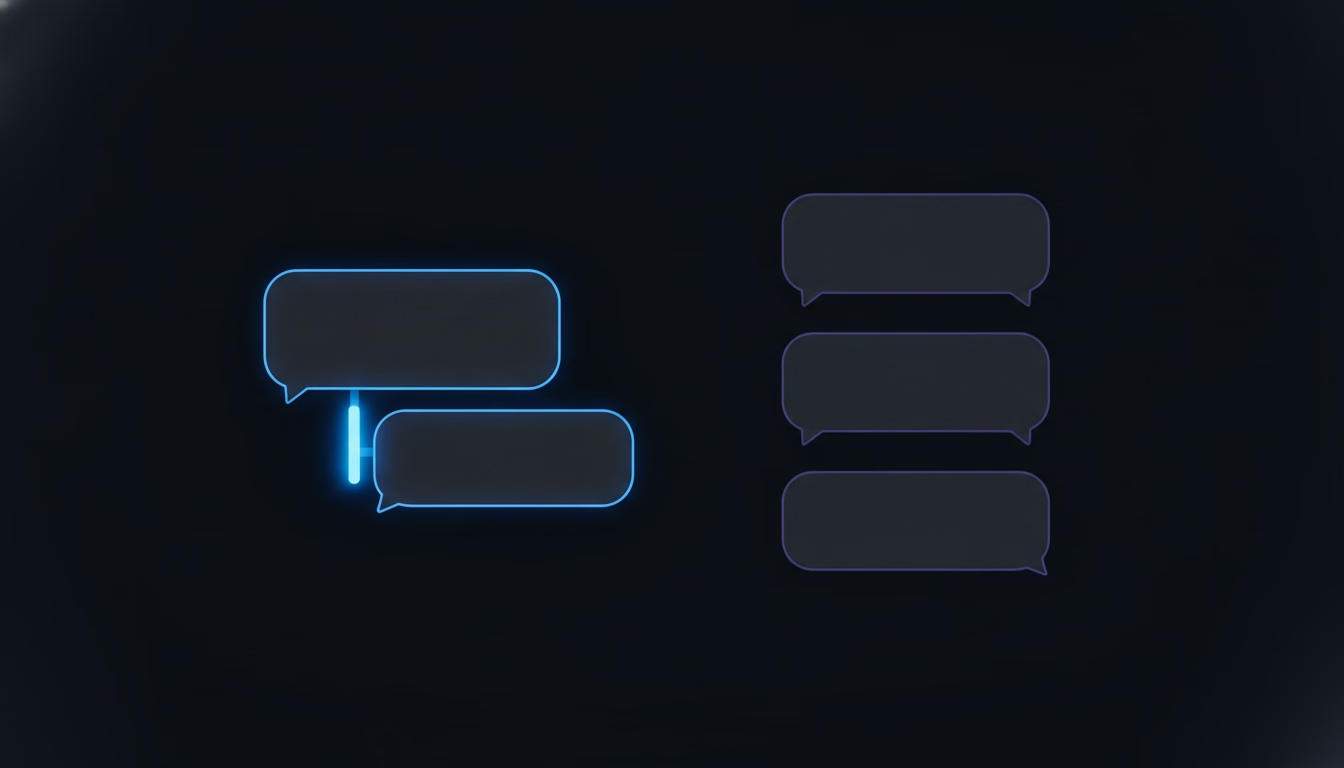
The concept predates Slack by a long way. Email has threaded a reply to its original subject line since long before workplace chat existed, and most help desk software threads by ticket ID rather than by message, so every reply gets attached to one permanent record no matter how the conversation drifts. What’s different about a shared Slack Connect channel is that threading is optional and manual, not structural. Nothing forces a reply into the right thread the way a ticket ID does. A person has to choose to reply in the thread instead of the channel, every single time, and that choice is where the whole idea starts to wobble once a customer is the one making it.
How Does Message Threading Work in Slack, Email, and a Ticketing Queue?
Message threading works differently depending on which tool is holding the conversation, and the differences matter because each one fails in its own way. In Slack, a thread starts the moment someone clicks reply on a specific message rather than typing into the main channel, and everything after that nests under the original post, visible in full only to people who open it or who were explicitly tagged into it. Anyone just scanning the channel sees the original message and a small reply count, not the content, which is efficient right up until someone genuinely needed to see a reply and never opened it. Our piece on threads in Slack for customer support goes deeper into that one mechanic specifically, including how to handle a customer who replies with a fresh message instead of using the thread at all.
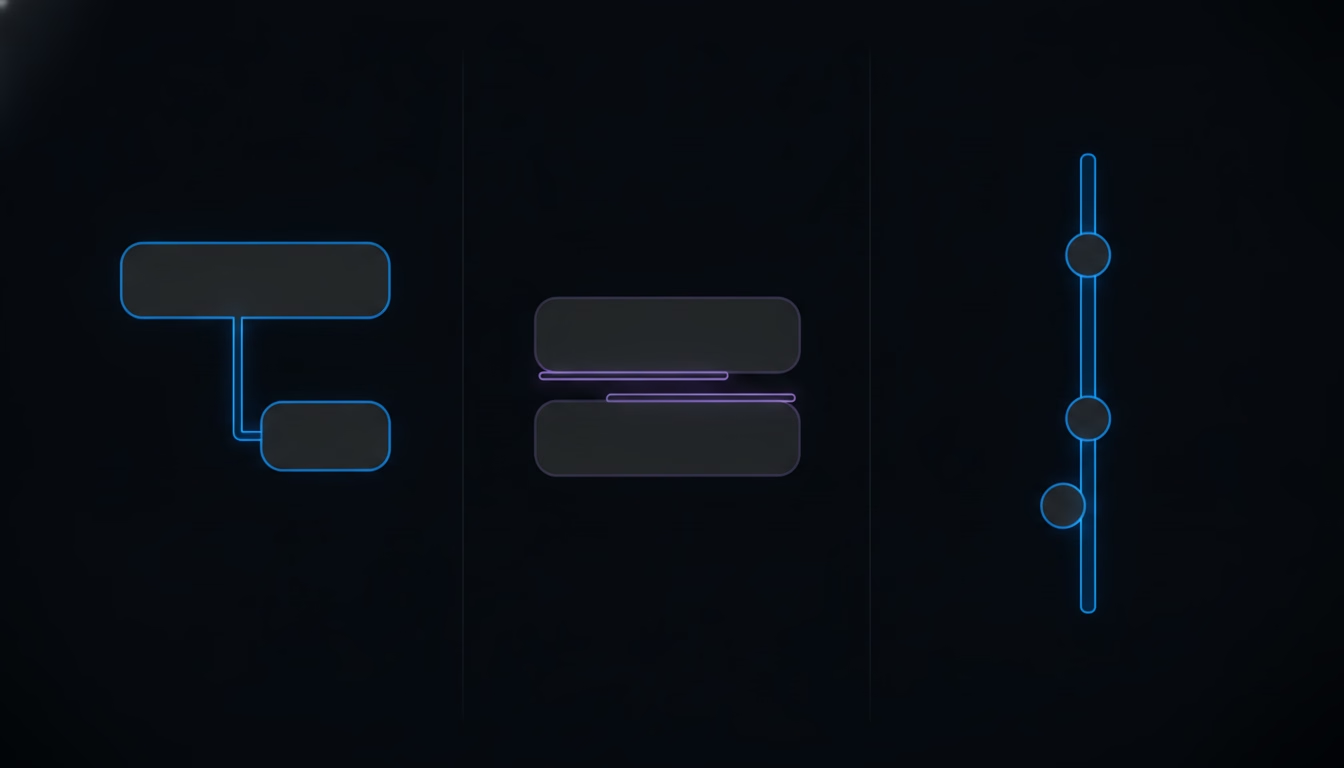
Email threads by subject line and a reply chain of message IDs, which is why changing the subject or forwarding a thread into a new email breaks the link entirely, splitting one conversation into two that no longer recognize each other. A customer who replies to a three-week-old email instead of starting a fresh one at least keeps some of that history attached, since most mail clients still group it under the old subject line even after all this time, which is more forgiving than it sounds given how little effort it takes on the customer’s side. A help desk or ticketing queue avoids both problems by threading at the record level instead of the message level: every reply, regardless of subject line or which channel it arrived through, gets appended to the same ticket ID, so there’s no manual choice to get wrong and no way for a customer’s habits to break the link. That structural guarantee is exactly what a Slack Connect channel doesn’t have, and it’s the gap the rest of this piece is really about.
What Are the Real Benefits of Threading a Support Conversation?
Threading earns its place in a support workflow by letting one channel hold several unrelated conversations at once without them tangling together, which matters more in a client channel than almost anywhere else Slack gets used. A single shared channel with one client might have three live topics running in parallel on a busy day, a billing question, a bug report, and a request for a new feature, and threading keeps each one legible as its own unit instead of one long interleaved scroll that takes real effort to untangle after the fact.
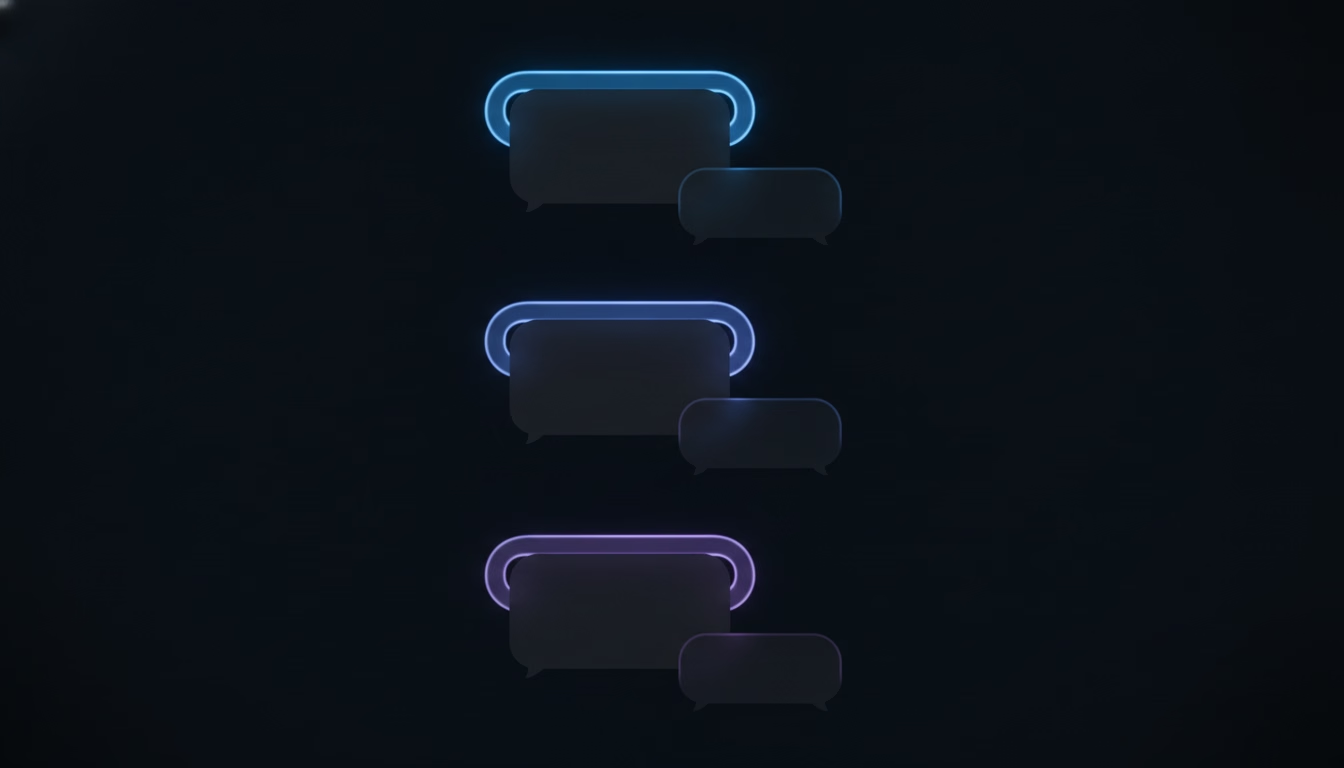
It also lets a team read asynchronously without missing context. An agent who steps away for two hours can come back, scan the channel for new top-level messages and open reply counts, and know exactly which threads need attention without rereading everything that happened while they were gone. That’s a genuine efficiency gain over a flat feed, and it’s the reason threading became standard practice in team chat in the first place. None of that changes the fact that the benefit depends entirely on everyone in the conversation actually using the feature the way it’s designed to be used, and a paying customer on the other side of a shared channel was never given that memo.
Where Does Message Threading Break Down When a Customer Is on the Other End?
Message threading breaks down the moment the person on the other side of a shared Slack Connect channel doesn’t know your team’s threading convention exists, doesn’t care about it, or simply never opens Slack the way your team does. A customer replies to a thread by typing straight into the main channel instead, because that’s the box that was already open, and now there’s a top-level message sitting in the feed with no visible connection to the conversation it actually belongs to. Anyone scanning the channel for new threads walks right past it, because it doesn’t look like a reply to anything.
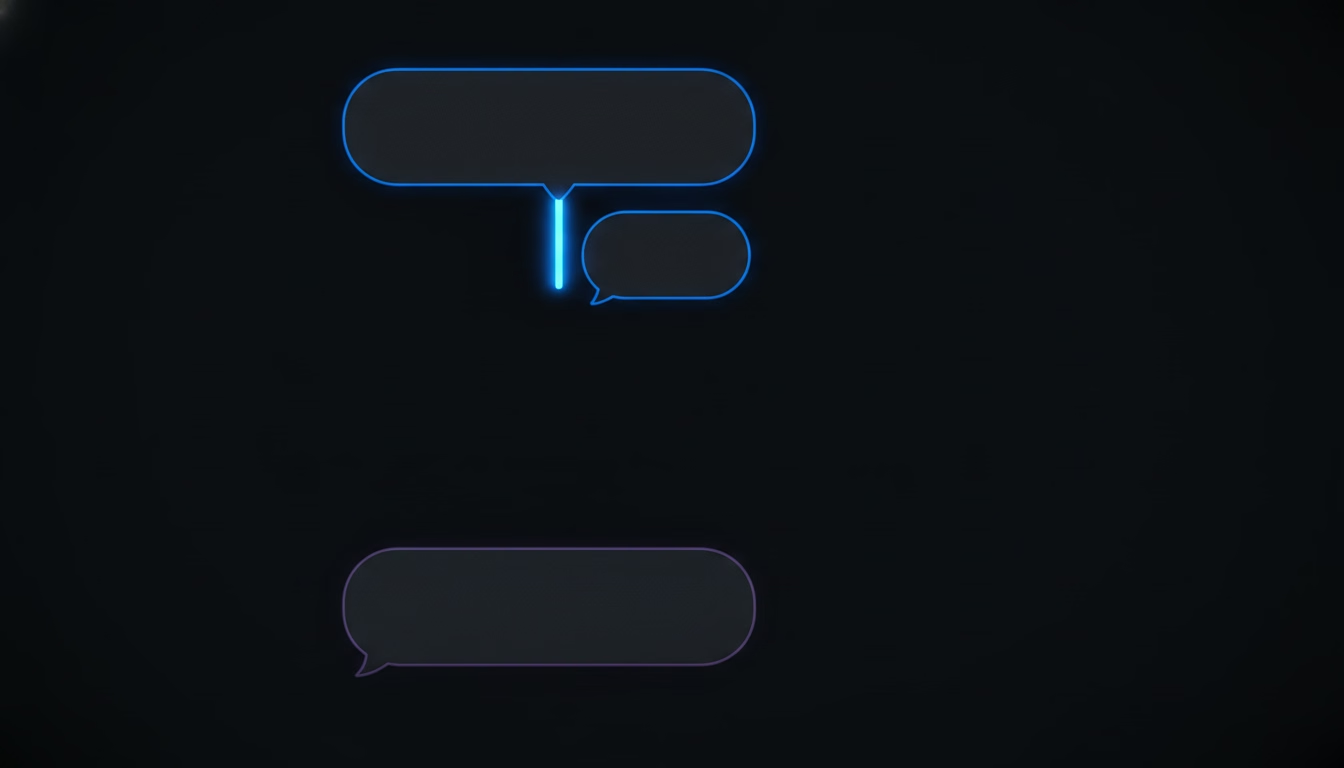
A second, quieter version of the same problem shows up days later. A customer with an unrelated new question finds the last thread they were part of and replies inside it, because from their side that’s simply “the conversation with support”, not a closed, resolved unit the way your team treated it. The team either misses the new question entirely, since the thread already got marked done in everyone’s head, or catches it late and has to work out that this reply is actually a new issue wearing an old thread’s clothes. A third pattern shows up in larger client accounts specifically: two different people from the same customer message about the same problem separately, one starting a fresh top-level message while the other replies in an old thread, and now two people on your team are quietly working the same issue without either one knowing the other exists. None of the standard explanations of message threading, built around one team using one tool the way it was designed, account for any of this, because they all assume compliance on both ends of the conversation.
What Happens to Response Time and Missed Messages When Threads Break?
Every one of the threading failures above turns directly into a support metrics problem, not just an organizational annoyance. A customer’s reply that lands as an orphaned top-level message reads, at a glance, like noise rather than a question, and the longer it sits unanswered in a channel where every real thread has already been handled, the more it looks like something that was already dealt with. That’s exactly the mechanism behind what we’ve covered elsewhere as missed message rate, the single most damaging number a Slack-based team can carry without measuring it, because a broken thread is one of the most common ways a message goes missing without anyone deciding to ignore it.

Response time takes the same hit from the other direction. Once someone finally notices the orphaned message or the repurposed old thread, they don’t just reply, they first have to reconstruct what the conversation is actually about, since the surrounding context that made the original thread useful never traveled with the misplaced reply. A question that should have taken two minutes to answer now takes fifteen, not because the answer got harder, but because someone had to do detective work threading was supposed to make unnecessary in the first place. Teams that only track response time as a single average never see this cost clearly, since a handful of badly delayed, context-reconstruction replies get smoothed out by all the ones that went fine, which is the same blind spot we walk through in more depth in our full breakdown of what to actually measure in a Slack-based support motion.
How Do You Fix Threading Once a Customer Stops Cooperating?
You fix broken threading by building your process around catching what falls outside the thread structure, instead of trusting a customer to learn and follow a convention they were never taught and have no reason to care about. That starts with treating every new top-level message in a client channel as a “needs triage” event on its own, regardless of whether it looks threaded correctly, rather than assuming Slack’s own nesting will surface everything that needs a reply. A team doing this by hand should scan for orphaned top-level messages specifically, not just skim open thread counts, since that’s exactly where a broken thread hides.
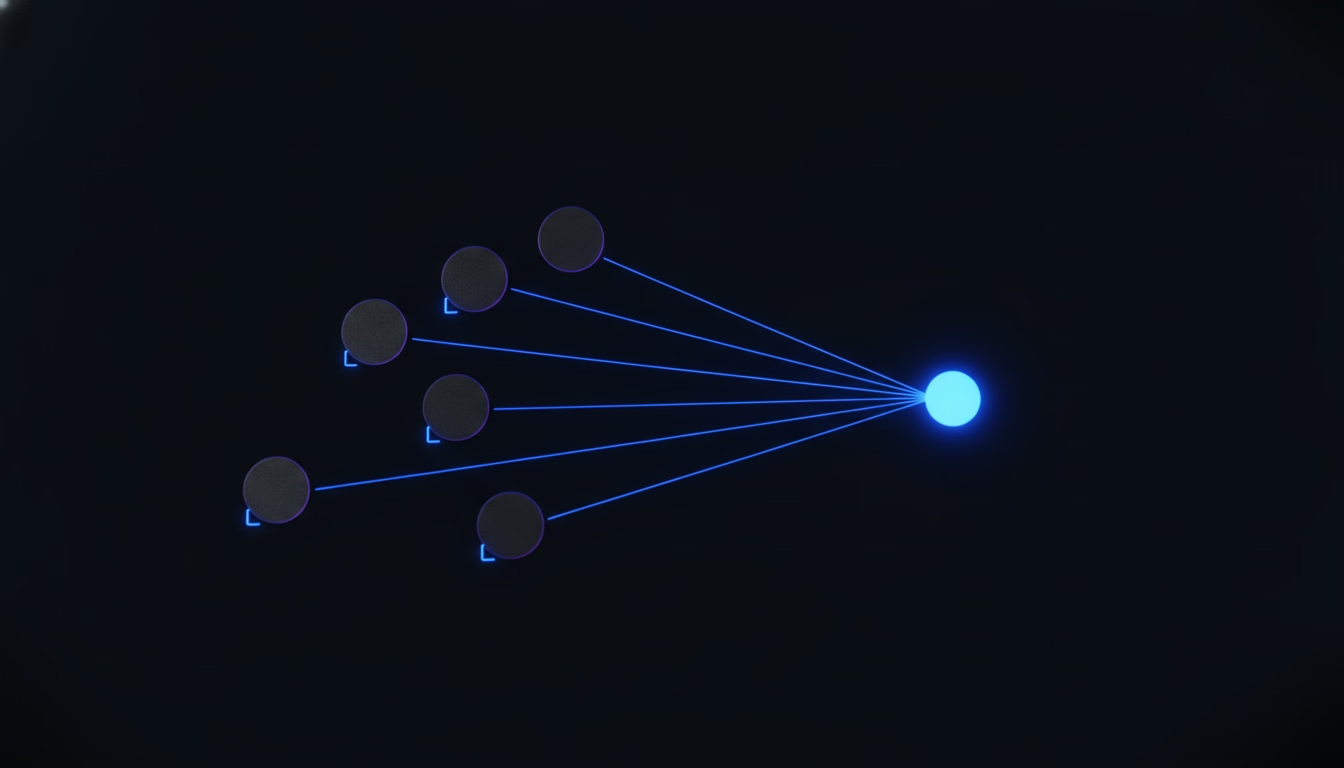
The more durable fix is separating “is this threaded correctly” from “does this have an owner and a status”, because those are two different questions and only the second one actually determines whether a customer gets an answer. A message can be threaded perfectly and still sit unclaimed for hours because the person it landed on happened to be away, and a message that lands as an orphaned top-level post can still get caught immediately if every incoming message, threaded or not, feeds into one place with a visible owner and an open or closed state attached to it. That’s precisely what SupportUnicorn does with every message that lands in a connected Slack Connect workspace: it doesn’t require the customer to learn a threading convention at all, since the queue tracks ownership and status directly on the message itself, independent of whether Slack’s own thread nesting was followed correctly, incorrectly, or not at all. The same discipline of assigning a named owner before a reply goes out, rather than after, is the workflow-level version of this fix we cover in building a customer support workflow that survives a busy week, and it pairs with proper ticket triage once messages start arriving faster than one person can track by hand.
Treat Threading as a Convenience, Not a Guarantee
Message threading genuinely helps once everyone in the conversation understands it and chooses to use it, and inside your own team’s Slack workspace that’s a realistic assumption to make. A shared Slack Connect channel removes that assumption the moment a customer joins, because nobody explains Slack’s threading conventions to a client before they start typing, and most clients wouldn’t follow them consistently even if someone did. The resilient version of a Slack-based support process treats threading as a nice-to-have that makes a well-behaved conversation easier to read, not as the thing standing between a message and a lost customer.
SupportUnicorn exists for the gap threading alone can’t close. It costs 49 dollars a month per connected Slack workspace, a flat rate with no per-seat fee and no free tier, and it puts every incoming message into one triaged queue with an owner and an open or closed state attached, whether that message landed in a clean thread, a broken one, or as an orphaned top-level post nobody would have noticed otherwise. If your team has already been burned by a “resolved” thread that quietly wasn’t, or by two people working the same customer’s issue without knowing it, connect your Slack workspace and see the messages a thread alone would have let slip.
Frequently Asked Questions
What is the difference between message threading and a regular reply in Slack?
A regular reply posts as a new top-level message in the channel feed, visible to anyone scanning the channel at a glance. A threaded reply nests under the original message instead, visible in full only to people who open that specific thread, which keeps the main channel less cluttered but means a reply can go unnoticed by anyone not already watching that thread.
Can you turn off message threading in Slack?
Slack doesn’t let you disable threading outright, but you can set a channel-level default that posts replies to the channel unless someone deliberately chooses to thread them. That default doesn’t solve the core problem for a client-facing channel, since a customer typing into whichever box is already open will still bypass a thread either way.
Does email threading work the same way as Slack’s message threading?
No, the two work on different mechanics entirely. Email threads by subject line and a chain of message IDs, so changing the subject line or forwarding the thread breaks the connection and splits one conversation into two. Slack threads by an explicit reply action on a specific message, which is a more deliberate mechanism but depends entirely on the replier choosing to use it correctly every time.
What happens if a customer never replies inside a thread?
Every reply lands as a new top-level message instead, disconnected from the original context in the eyes of anyone scanning the channel for open threads. Over time this is exactly how messages get missed, since an orphaned top-level post doesn’t look like something waiting on a reply, it just looks like channel noise.
How do you know when a threaded conversation was never picked up?
By hand, you have to scan every open thread in every client channel and check whether the last message is a customer waiting on a reply, which gets slow past a handful of active channels and slower still once several people are supposed to be sharing the load. A tool that tracks ownership and status on each message directly, separate from Slack’s own thread nesting, surfaces this without anyone needing to scroll through channels looking for it, and it catches the orphaned top-level messages a thread-only scan would miss entirely.
Is message threading enough on its own, without a ticketing system?
For a small team with one or two client channels and a lot of manual attention to spare, threading alone can hold up reasonably well, especially early on when everyone involved is paying close attention by habit rather than by process. Past that, the gap between “this looks threaded correctly” and “someone specific owns this and it’s tracked to close” becomes the actual failure point, which is the exact gap a lightweight queue sitting on top of Slack is built to close without asking a customer to change anything about how they message you.
Does adding more people to a client channel make threading problems worse?
Yes, and it happens faster than most teams expect. Every additional person on the customer’s side is another set of habits your team has no control over, and every additional person on your own side is another chance that two people each assume the other saw a given thread. A channel with two people on each end can usually get by on memory alone, while one with five or six on the customer’s side almost always needs a shared, tool-tracked owner for every message rather than relying on whoever happens to notice first.