· Prakash Natarajan · AI · 14 min read
Ticket Triage for Slack Support Teams
Ticket triage works differently in a live Slack channel than in a ticket queue. Here's the criteria, the ownership rule, and the real breaking point.
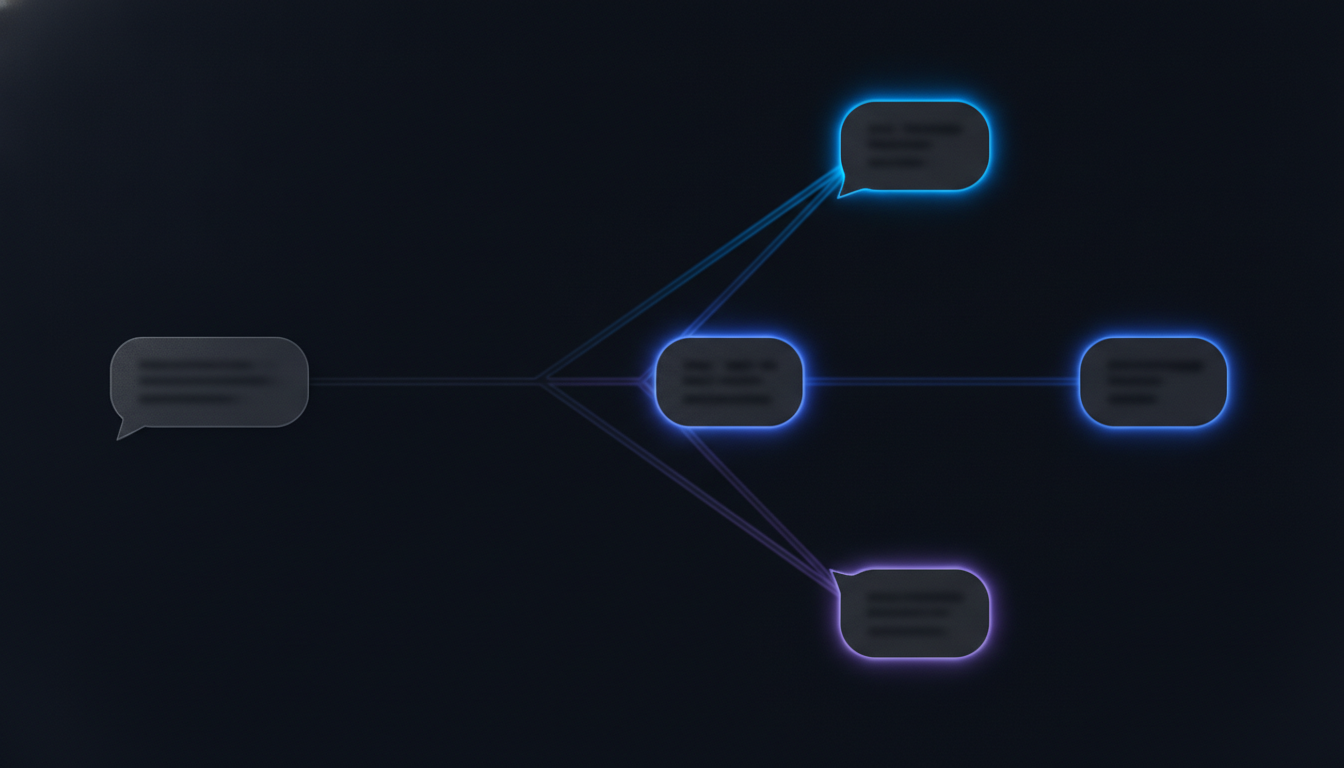
Ticket triage is the process of deciding which incoming customer message gets attention first, who owns it, and how fast it needs a reply, before anyone starts working the actual issue. Most guides describing that process assume a ticket queue, where a request sits in a list waiting to be sorted before anything happens. A team running support inside Slack Connect channels triages differently, because the client can already see the channel is active the moment their message lands, not queued somewhere out of sight. This piece covers the real criteria behind a priority call, how triage changes when it happens in a live channel instead of a queue, who should own a message once it’s sorted, and the actual sign that your triage process has stopped working.
What Is Ticket Triage, and Why Does It Work Differently in Slack?
Ticket triage is the step where an incoming customer request gets sorted by urgency and routed to the person who should handle it, before anyone attempts to resolve the actual issue. In a traditional support setup, that sorting happens against a queue: a new ticket lands, sits with a status of “new”, and someone reviews it before it moves to “in progress”. Triage in that setting is a batch activity, something a lead does every hour or every morning, working down a list one row at a time.
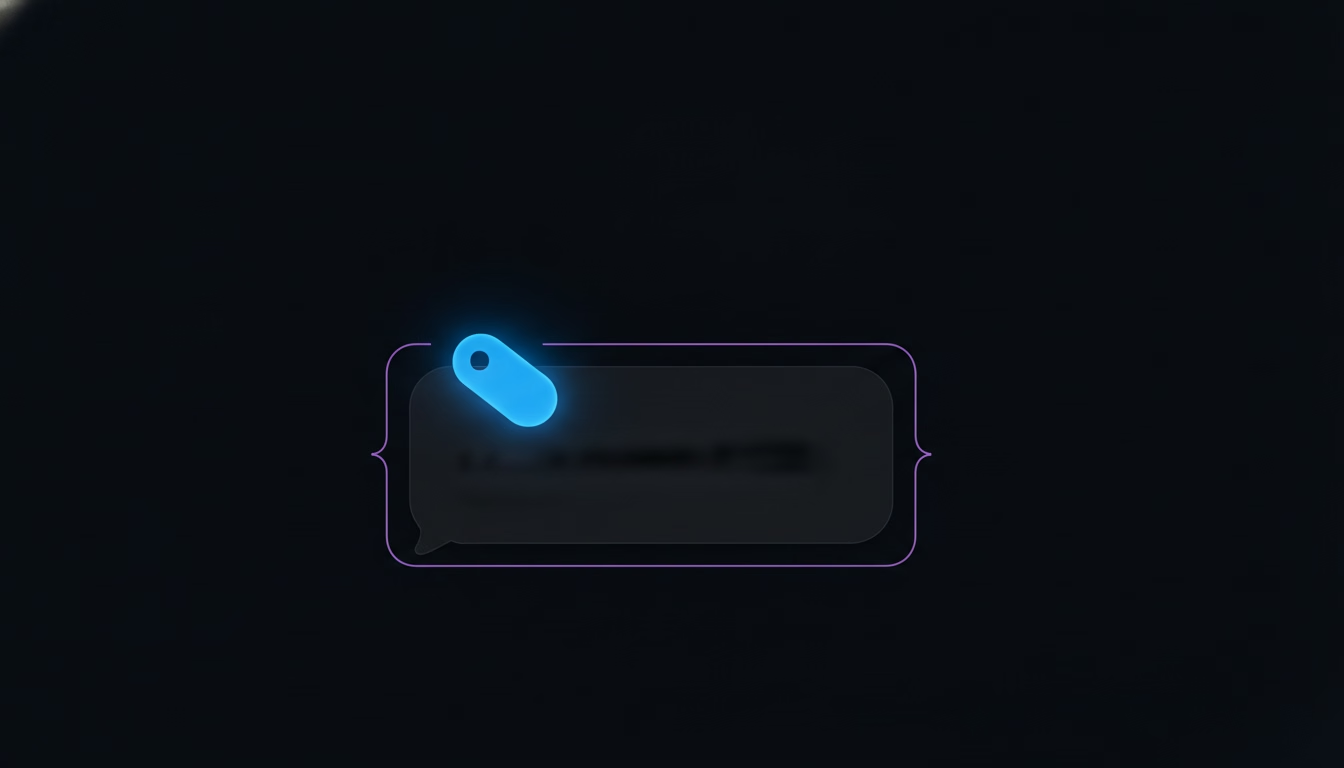
A Slack Connect channel doesn’t give you a queue to sort. A client’s message shows up in a thread they can already see, often next to a “someone is typing” indicator that tells them the channel is active, and there’s no waiting room for it to sit in while a lead decides how urgent it is. That changes what triage actually means here. Instead of reviewing a batch of new tickets once an hour, a team triages continuously, one message at a time, right as it arrives, because the alternative is letting a client watch their message sit unacknowledged in a channel that looks otherwise busy. The mechanics change, but the underlying decision, how urgent this is and who should take it, is exactly the one every triage process is built to answer, whether it happens in a queue or in a live thread.
What Criteria Decide Triage Priority?
Four signals decide how a message should be prioritized once it lands: how urgent the issue actually is, how many people or how much of the account it affects, whether the thread is already at risk of missing your stated response window (covered in more detail in our piece on setting a response time SLA for Slack support), and whether it’s a routine question with no urgency behind it at all. None of those four requires a ticketing system to evaluate. They just need to be applied consistently, which is the part that tends to slip once more than one person is triaging.

Written out plainly, in the exact form a team can actually use inside a Slack Connect channel:
| Signal | What it looks like in a Slack Connect channel | Typical priority |
|---|---|---|
| Urgency | ”We can’t log in” or “this is blocking our launch”, posted with no lead-up | Highest, claim within minutes |
| Account impact | A channel tied to a high-value client, or a message noting several people on their side are affected | High |
| SLA risk | The thread has already sat past your stated response window once this week | Escalate regardless of topic |
| Routine question | A “how do I…” message with no urgency language and no prior unanswered message in the thread | Normal queue, same-day is fine |
The order matters more than any single row. SLA risk should outrank topic severity almost every time, because a client who has already been kept waiting once reads a second delay as a pattern, not a coincidence, even if the actual question is a minor one. Plain Slack won’t apply any of this for you. It has no field for urgency and no way to flag that a thread has quietly missed a response window, so someone on the team has to actually hold these four signals in mind, or a ticket triage layer built for Slack, like SupportUnicorn, has to hold them instead.
The signals also conflict more often than any single-factor list makes it sound. A message written calmly, with none of the urgent language a triager instinctively looks for, can still come from an account worth protecting closely, while a message that reads as panicked can turn out to be a routine question asked by someone who’s simply having a rough morning. Weighing account impact against the literal wording of the message, rather than defaulting to whichever one is easier to spot in a quick scan, is the actual skill triage requires, and it’s the part no written criteria list fully replaces.
How Is Triage Different in a Live Slack Channel Than in a Ticket Queue?
Triage in a live Slack channel has to happen faster and with less structure than triage in a ticket queue, because there’s no waiting room hiding the message from the client while someone decides what to do with it. A ticketing system gives the person triaging a form’s worth of metadata before they even open the request: a category field, a submitted priority, a customer record showing account history. A Slack message gives you none of that upfront. It’s raw text in a thread, and whatever urgency it carries has to be read out of the words themselves and the channel’s own recent history, not pulled from a dropdown someone filled in on submission.
That difference cuts both ways. It’s genuinely faster for the customer when it works, since a live channel skips the submit-and-wait step a ticket form requires. But it also means triage can’t be a scheduled batch job the way it often is with a queue, checked once an hour between other tasks. It has to be a habit built into how the channel gets watched in real time, because a message that doesn’t announce its own urgency, a quiet churn risk, a client trying to stay polite about a real problem, gets treated exactly like a routine question if nothing about its wording flagged it otherwise. Most generic triage guides are written for the queue model and skip this distinction entirely, which leaves a Slack-first team applying an hourly-review habit to a channel that never actually pauses.
Who Should Own a Message Once It’s Triaged?
The message needs exactly one named owner, decided at the moment it’s triaged, not a team or a channel that several people are expected to watch. Assigning a priority level without also assigning a specific person just moves the ambiguity one step later: everyone can see the message is urgent, and everyone can still assume someone else is already on it.
The owner should be decided using the priority tier from the previous section, not handed to whoever happens to be online when the message lands. A highest-urgency message needs the person best equipped to handle it claimed within minutes, even if that means pulling them off something else, while a routine question can default to whoever’s turn it is in a simple rotation. Once claimed, that ownership needs to be visible to the rest of the team, a reaction, a reply, anything consistent, so a second person scanning the same channel doesn’t duplicate the reply or assume it’s still unclaimed. This is the exact gap a lightweight queue layer like SupportUnicorn is built to close: the owner field sits next to the message itself rather than living in a convention people have to remember to follow every single time. If the message turns out to need more than the first owner can resolve, that’s a separate decision with its own rules, covered in more depth in our piece on building an escalation matrix for Slack-based support, including exactly which Slack action, an @mention, a DM, a new channel, should carry a conversation to its next owner without losing what already happened in the thread.
Should You Build a Separate Triage Channel?
A separate triage channel makes sense once several people are triaging together and need one shared view of what’s still unclaimed, but it’s overhead most small teams don’t need while a single Slack Connect channel per client is still manageable to watch directly. Some Slack-native tools solve triage by adding a dedicated channel, something like a #triage-support room where every incoming message gets cross-posted, then tracked with emoji reactions marking status: one reaction for claimed, another for resolved. It works, but it adds a second place to check and depends entirely on everyone applying the same reaction consistently, which is the same discipline problem a shared inbox already has without the extra channel.
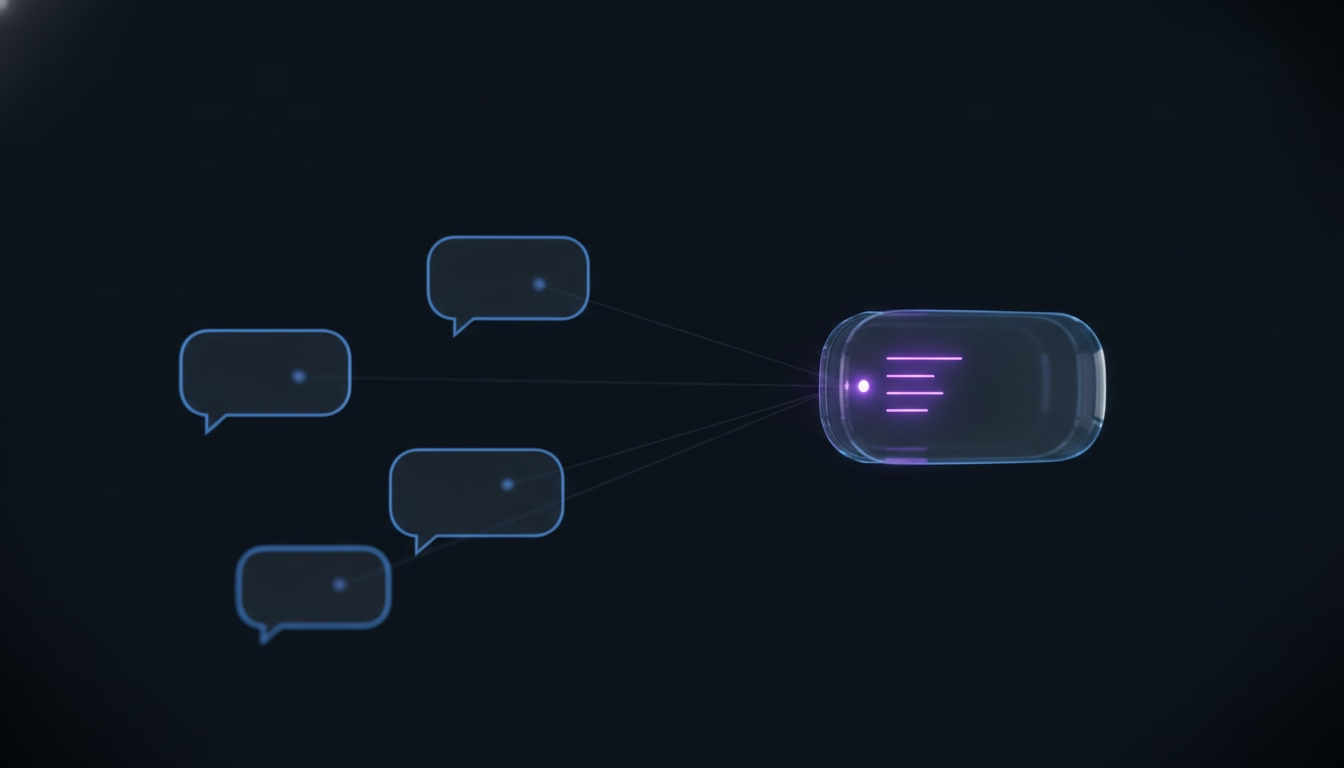
The honest trade-off runs on channel count more than team size. Below roughly ten to fifteen active client channels, the number where a busy Slack workspace still stays trackable by one attentive person, triaging directly inside each client thread is usually simpler and doesn’t ask the team to learn a second workflow. Past that range, checking every channel individually for anything unclaimed starts eating real time, and a shared triage view, whether that’s a manual channel with a strict reaction convention or a lightweight queue layer built for the purpose, starts paying for itself. The mistake worth avoiding is adding the separate channel before the team has actually hit that range, since it just gives the same triage decision a second location to happen in without making the decision itself any faster.
A dedicated channel also assumes several people are triaging at once, which is worth checking honestly before adopting one. A two- or three-person team is usually still triaging serially, one person reading each channel as messages arrive, and a separate room mostly adds a cross-posting step to a decision one person was already making alone. It starts earning its overhead once triage genuinely becomes a shared job, several agents each watching a slice of the channel list and needing to know at a glance what the others have already picked up.
How Do You Know Triage Is Breaking Down?
Triage is breaking down the moment a message sits past your stated response window with no owner attached to it, and the number worth tracking isn’t how many conversations got closed this week, it’s how many arrived and never got sorted at all. Most generic guides on this topic list broad benefits, happier customers, happier agents, without ever naming a number a team can actually check, which is exactly the gap worth closing here.
Run a genuinely simple test to find out where things actually stand. Pick a normal week, log every client message that took longer than an hour to get any reply at all, and for each one, ask whether the delay came from real complexity, a hard problem that took time to work through, or from nobody having triaged it in the first place. Those are two different failures with two different fixes. A pile of slow-but-triaged conversations is a resourcing problem, more hands or clearer priority calls on hard cases. A pile of untriaged conversations, messages that just sat there because nobody looked, is a process problem, and it’s the one that tends to go unnoticed the longest, because from the outside a quiet channel and a channel with something buried in it look identical until someone opens it and checks. We’ve mapped the specific point where this pattern tends to start, usually somewhere between eight and fifteen active client channels, in our piece on running client support in Slack before it breaks.
The fix once you’ve found real untriaged backlog is rarely more headcount. It’s usually a missing step in how the team already claims, replies to, and closes conversations, the actual mechanics we’ve walked through in our customer support workflow for Slack teams, with triage sitting as the step just before that workflow starts rather than a separate process bolted on top of it.
Make Triage a Habit, Not a Tool You Bolt On
Ticket triage doesn’t require a ticketing system underneath it, but it does require the same four things every version of it comes down to: a clear priority call, a named owner, a response window that actually gets tracked, and a plan for what happens once a thread gets slow enough to need one. Plain Slack gives a team none of that automatically. It has no priority field, no owner field, and no way to flag a thread that’s quietly missed its window, so the team either builds the habit by hand or adds a lightweight layer that makes the habit visible instead of memorized.
That’s the specific gap SupportUnicorn is built to close for a team triaging inside Slack Connect channels: every incoming message lands in one queue with a priority, an owner, and an open or closed state attached, so the four signals covered here become something the team can actually see instead of something one person is expected to track from memory. It costs 49 dollars a month per connected workspace, flat, with no per-seat fee and no free tier to graduate out of later, and it doesn’t decide priority or claim a message for you. It makes the decision your team already made visible to everyone else watching the same channel.
If missed ownership, not a lack of process, is the actual problem this week, connect your Slack workspace and see whether a visible queue changes the pattern before you write a longer triage document nobody ends up following.
Frequently Asked Questions
What is ticket triage in customer support?
Ticket triage is the process of reviewing an incoming customer request, deciding how urgent it is, and assigning it to the right person before anyone starts working the actual issue. It’s a sorting and routing step, not a resolution step, and it happens whether a team is using a ticketing system or running support inside Slack.
How is ticket triage different in Slack than in a ticketing system?
A ticketing system lets triage happen as a batch review against a queue the client can’t see, so a lead can work down a list of new tickets on their own schedule. A Slack Connect channel is live the moment a message lands, with no waiting room hiding it from the client, so triage has to happen continuously in real time instead of on a scheduled review.
Who should be responsible for triaging support requests?
Whoever is watching the channel when a message lands should apply the priority call, but the resulting ownership should always go to one specific named person, not a team or a channel. A small team can rotate that first-look responsibility; what matters is that every triaged message ends up with exactly one clear owner, not several people assuming someone else has it.
Do you need a ticketing system to triage support tickets?
Ticket triage doesn’t require one, since it’s a decision process, urgency, impact, ownership, that can run entirely inside Slack with a written convention the team follows consistently. A ticketing system, or a lighter queue layer built for Slack specifically, doesn’t replace that decision; it just makes the result of it, who owns what and how urgent it is, visible to everyone instead of held in one person’s head.
Can AI handle ticket triage automatically?
AI tools can flag likely urgency or suggest a category based on a message’s wording, which can genuinely speed up the first read. It shouldn’t be trusted to assign final ownership or close out priority calls without a person confirming them, since the account context and relationship history that often decide real priority, a client who’s already frustrated, a deal in progress, rarely live in the message text alone.
How often should a team review its triage process?
Review the criteria monthly, but check the actual numbers weekly: how many messages missed the response window, and how many of those had no owner attached at all. A written triage process that hasn’t been checked against a real week of conversations in a while is usually already out of step with how the team is actually working.