· Prakash Natarajan · AI · 13 min read
Average Handle Time for Slack Teams
Average handle time was built for call queues with hold time and wrap codes. Here's what it actually means, and doesn't, in a Slack Connect thread.
Average handle time is the total time an agent spends on a single customer interaction, talk time plus hold time plus the wrap-up work after, divided across however many interactions they closed, and every guide to it assumes that interaction is a phone call. A Slack Connect thread has no hold time and no wrap-up code, so the formula call centers use doesn’t transfer as written, and treating a multi-day threaded conversation like a single timed call gives you a number that actively misleads you about how your team is actually performing. This piece covers what average handle time measures in its original phone-based form, the adapted version that actually fits a threaded async conversation, how to calculate it by hand from Slack’s own timestamps, and why chasing a lower number can quietly damage a support motion that runs on relationships instead of call volume.
What Is Average Handle Time, and Why Doesn’t a Call Center Formula Fit a Slack Thread?
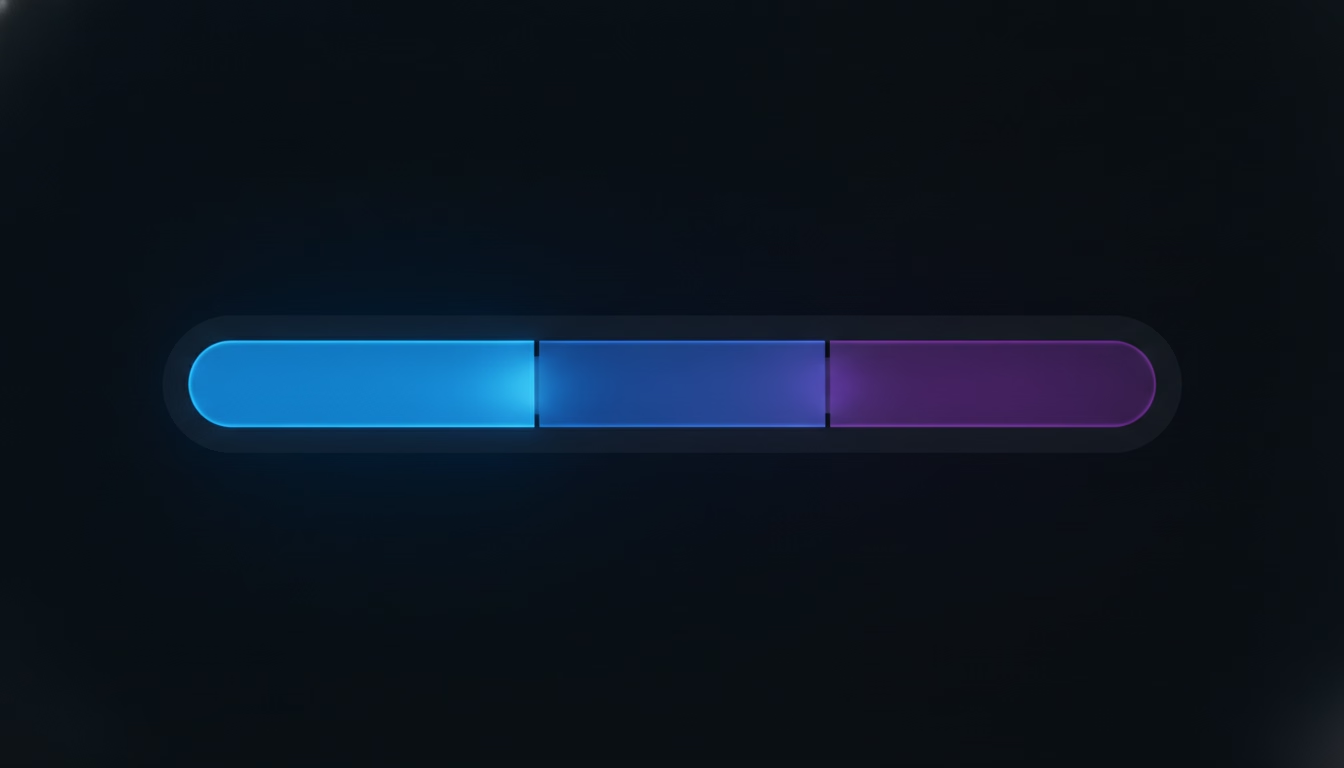
Average handle time is the average amount of active work an agent puts into resolving one customer interaction, originally built for phone-based contact centers where every call has a clean start, a clean end, and a small set of measurable phases in between. Talk time covers the minutes the agent and customer are actually speaking, hold time covers any pause while the agent checks something or transfers the call, and after-call work covers the wrap-up an agent does once the call ends, logging notes, updating a record, filing the outcome. Add those three together across every call in a period and divide by the number of calls, and you get the number every contact-center glossary calls average handle time.
None of those three phases exist the way a Slack Connect thread works. There’s no hold time because nobody puts a customer on hold in a shared channel, there’s no single call-end moment because a thread can go quiet for six hours and pick back up, and after-call work rarely happens as a discrete logged step the way it does when a call center agent closes out a ticket in their CRM. A customer support thread in Slack is really a series of separate messages spread across an unpredictable span of time, some of it the agent actively typing a reply and most of it just waiting, for the agent to notice the message, for the customer to reply back, for someone else on the team to weigh in. Measuring that span the way a call center measures a phone call, start to finish as one continuous block, produces a number that counts hours of silence as if they were hours of work.
What Is the Average Handle Time Formula for a Threaded Slack Conversation?
The formula that actually fits a Slack thread is the sum of the minutes an agent spent actively reading and replying across a conversation, divided by the number of conversations closed in that period, deliberately excluding the gaps where the thread sat waiting on the customer or on someone else internally. That’s a meaningfully different number from the wall-clock time between the first message and the last, which is what you’d get if you copied the call center formula over unchanged and just swapped “call” for “thread.”

Say a customer opens a thread at 9 AM, the agent replies with a clarifying question at 9:04, the customer doesn’t answer until 2 PM, the agent replies again at 2:06 with the fix, and the customer confirms it worked at 2:20 with no further reply needed. The wall-clock span from first message to last is over five hours. The actual active handle time is closer to ten minutes: four minutes for the first reply, six for the second, with the five-hour gap belonging to the customer’s own response time, not the agent’s workload. A team that reports the five-hour number as its average handle time will look wildly inefficient compared to any phone-based benchmark, and a team that reports the ten-minute number without noting the wait will underplay how long a customer actually waited for a full resolution. The honest version of this metric tracks both separately: active handle time as the real measure of agent effort, and total thread duration as a different number entirely, one closer to what our piece on response time SLAs for Slack teams already covers from the customer’s side of the wait.
How Do You Calculate Average Handle Time by Hand From Slack’s Own Timestamps?
You calculate it by reviewing each closed thread, marking every stretch of time where the agent was the one acting, replying, searching for an answer, looping in a teammate, and adding those stretches together while skipping the gaps where the ball sat with the customer or with someone else. Slack timestamps every message whether anyone’s tracking it or not, so the raw data exists. The work is in reading through a thread and deciding, message by message, whose clock was actually running.
For a small volume of threads, a weekly review works: open each conversation closed that week, note the timestamp of the customer’s message and the timestamp of the agent’s reply, and treat that gap as active time only if the agent was the one who needed to act next. A gap that ends with the agent typing counts. A gap that ends with the customer finally replying doesn’t, because that time belonged to the customer, not the agent. Where a thread bounces back and forth several times before closing, you’re summing several of these active gaps rather than treating the whole conversation as one block. It’s slower than pulling a report from a call center platform, and it’s also the only way to get a number that reflects an agent’s actual workload instead of how quickly a particular customer happened to respond. SupportUnicorn timestamps every message the moment it lands in a connected Slack workspace and tracks who claimed it and when it closed, which removes the manual review step for a team that wants this number without scrolling back through a week of channels by hand.
What Is a Good Average Handle Time for a Slack Connect Support Motion?
There isn’t one universal good number, and any guide that hands you a fixed benchmark, six minutes is one figure that circulates widely in call center content, is describing a phone queue with hold time and wrap codes that a Slack thread simply doesn’t have. The honest answer is that a good average handle time for your team is whatever your own baseline shows once you start measuring the active-time version consistently, tracked over a few weeks before you try to move it in either direction.

What matters more than hitting a specific number is watching the trend and understanding what’s driving it. An average handle time that’s climbing because agents are digging into more complex issues without a shortcut isn’t a problem to fix, it’s a sign the easy questions are getting handled somewhere else, maybe a help center article or a returning customer who already knows the answer, and what’s left in the queue genuinely takes longer. An average handle time that’s climbing because the same simple question keeps eating ten minutes per agent is a real gap, usually a missing internal answer or a piece of context nobody bothered to document. The number alone doesn’t tell you which situation you’re in. Reading a handful of the actual threads behind a rising number does, and that reading is worth doing before you set a target you’ll later have to defend.
Why Can Chasing a Lower Average Handle Time Actually Hurt an Async Support Motion?
Chasing a lower average handle time can hurt an async support motion because the fastest way to shrink the number is to close threads before the underlying problem is actually solved, and a customer messaging you in a shared Slack channel usually has an ongoing relationship with your business that a one-off call center customer doesn’t. A call center agent who rushes a call risks one bad interaction. A support team that rushes a Slack Connect thread risks a client relationship that runs across dozens of conversations a month, where a pattern of premature closes compounds into genuine distrust.
This is the trade-off almost no average handle time guide mentions, because most of them are written for a phone queue where a shorter call and a fully resolved call aren’t usually in tension the way they are in a threaded conversation. In Slack, a genuinely hard question often needs a real gap, time to check with engineering, time to reproduce a bug, time to think through an answer that actually holds up, and an agent who’s being measured primarily on how fast they close threads has a direct incentive to answer with something vague enough to look resolved rather than something that actually is. That pattern shows up first as a rising thread reopen rate, which our piece on customer support metrics for Slack teams covers in more depth, and it’s usually the clearest sign that average handle time has started working against the team instead of for it. The honest recommendation is to treat average handle time as a number worth watching for unusual spikes and drops, never as a target an agent is directly rewarded for shrinking.
How Should You Use Average Handle Time Alongside Your Other Slack Metrics?
You should use average handle time as one signal among several, not the lead indicator of team performance, because on its own it can’t distinguish a team working through genuinely harder problems from a team that’s simply slow, and it says nothing about whether a message got missed entirely. Paired with missed message rate and time-to-claim, both of which our metrics piece walks through calculating from Slack’s own data, average handle time earns a real place in a weekly review instead of standing in for the whole picture.
A team with a stable average handle time and a climbing missed message rate has a coverage problem, not an efficiency problem, and fixing the wrong one wastes a review cycle. A team with a rising average handle time and a flat or shrinking thread reopen rate is probably fine, they’re just spending longer on the same fraction of threads that were always going to take longer. This is also where a tool that actually surfaces the queue underneath Slack earns its keep. SupportUnicorn puts every incoming message from a connected workspace into one queue with a visible owner and an open or closed state, so a support lead can see average handle time next to missed messages and claim speed in one place instead of reconstructing all three by hand from separate channel scrolls every week.
Track Average Handle Time as a Signal, Not a Target
Average handle time still means something in a Slack Connect motion, but only once you strip out the call center assumptions it was built with, no hold time, no wrap code, no single continuous call. The version that actually applies counts active agent minutes across a thread, not wall-clock hours that include a customer’s own delay in replying, and reading that number without also watching missed messages, claim speed, and reopen rate gives you a partial, sometimes misleading picture of how your team is really doing.
SupportUnicorn was built to make that fuller picture available without a manual review every week. Every message that lands in a connected Slack workspace gets a timestamp, an owner, and a status automatically, so average handle time, missed message rate, and time-to-claim all come from the same queue instead of three separate channel scrolls. It costs 49 dollars a month per connected workspace, a flat rate with no per-seat fee, and it doesn’t change how Slack itself works for your team or your customers. If average handle time is a number you’ve been estimating rather than actually measuring, connect your Slack workspace and see what the real one looks like.
Frequently Asked Questions

What is average handle time?
Average handle time is the average amount of time an agent spends actively working a customer interaction from start to resolution, originally measured in call centers as talk time plus hold time plus after-call wrap-up work, divided by the number of interactions handled. In a Slack-based support motion, the useful version of the metric counts only active reply time, not the wall-clock hours a thread sits waiting on the customer.
What is the average handle time formula?
The traditional formula is talk time plus hold time plus after-call work, divided by the total number of calls handled. For a threaded Slack conversation, the adapted formula sums the minutes an agent actively spent reading and replying across a thread and divides by the number of threads closed, deliberately excluding time spent waiting on the customer or another teammate.
What is a good average handle time?
There’s no single good number, and figures like six minutes that circulate in call center content describe a phone queue with hold time and wrap codes that don’t exist in Slack. The right approach is to measure your own team’s active-time average consistently for a few weeks first, then judge trends against that baseline rather than an outside benchmark built for a different channel entirely.
How do you calculate average handle time without a call center platform?
You calculate it by reviewing closed threads and summing the stretches of time where the agent was the one who needed to act, replying, researching, looping in a teammate, while skipping any gap that ended with the customer or someone else responding. Slack’s own timestamps on every message make this possible by hand, though a tool that timestamps and tracks ownership automatically removes the manual review.
Does average handle time matter for a Slack Connect support team?
It matters as one signal among several, not as the primary measure of how a team is performing, since it can’t on its own distinguish genuinely harder problems from a slower team, and it says nothing about messages that got missed entirely. Paired with missed message rate and time-to-claim, it becomes a useful part of a weekly review rather than a number that gets over-read on its own.
Can lowering average handle time hurt customer satisfaction?
Yes, because the fastest way to shrink the number is to close threads before a problem is genuinely solved, and in a Slack Connect motion where the same client messages you repeatedly over months, a pattern of premature closes damages trust in a way a single rushed phone call in a call center rarely does. A rising thread reopen rate is usually the first visible sign that a falling average handle time has started working against the team.